Billing
Summary
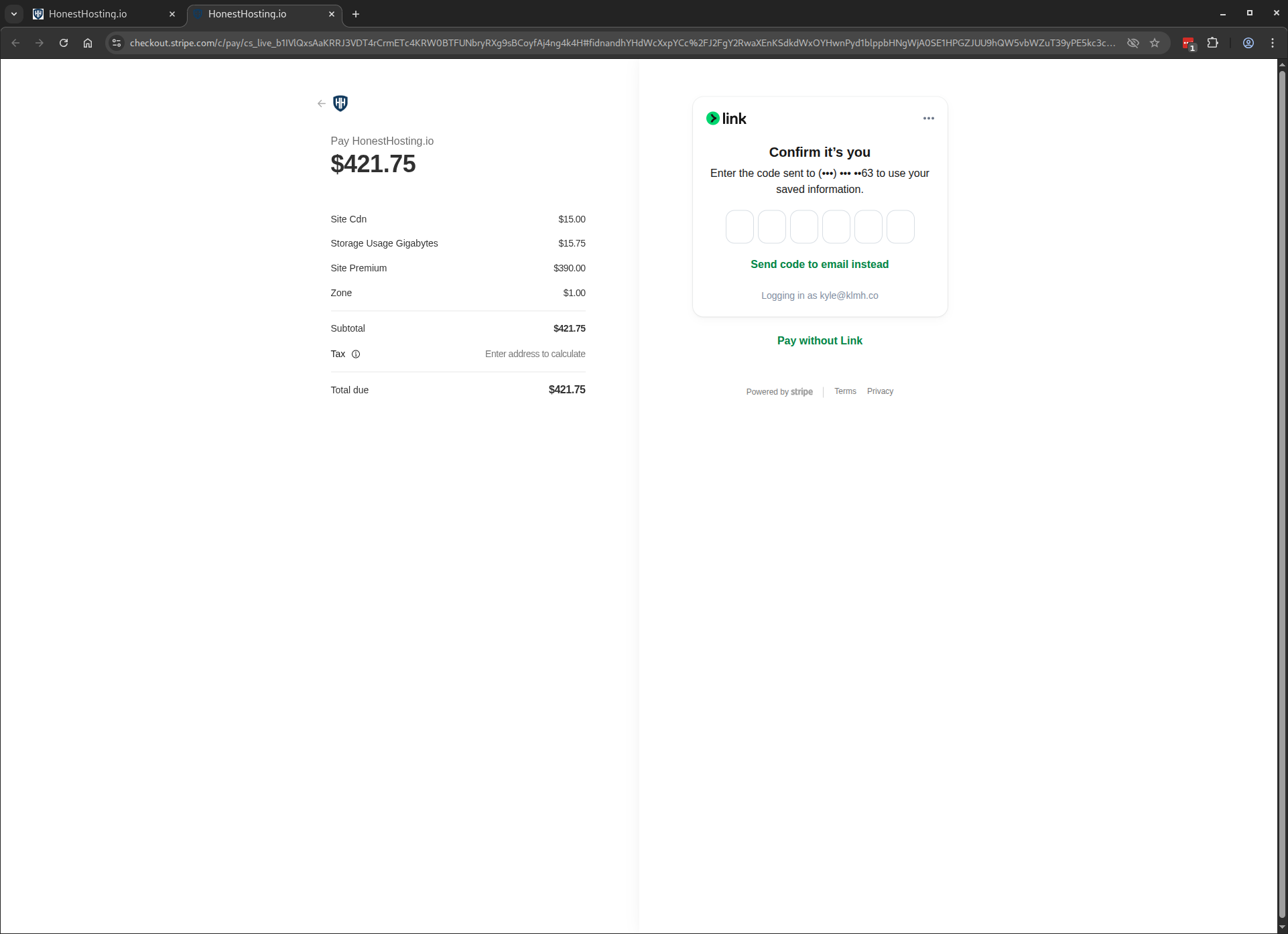
In order to pay for services used at HonestHosting, you will need to setup a card payment during the checkout process, which will also be used for future payments.
Pricing
You can review pricing tiers and requirements on the website.
Fees
HonestHosting does not take ANY additional transaction fees when paying for services rendered for the previous month. For
more information, review the fees section in Getting Paid.
Billing
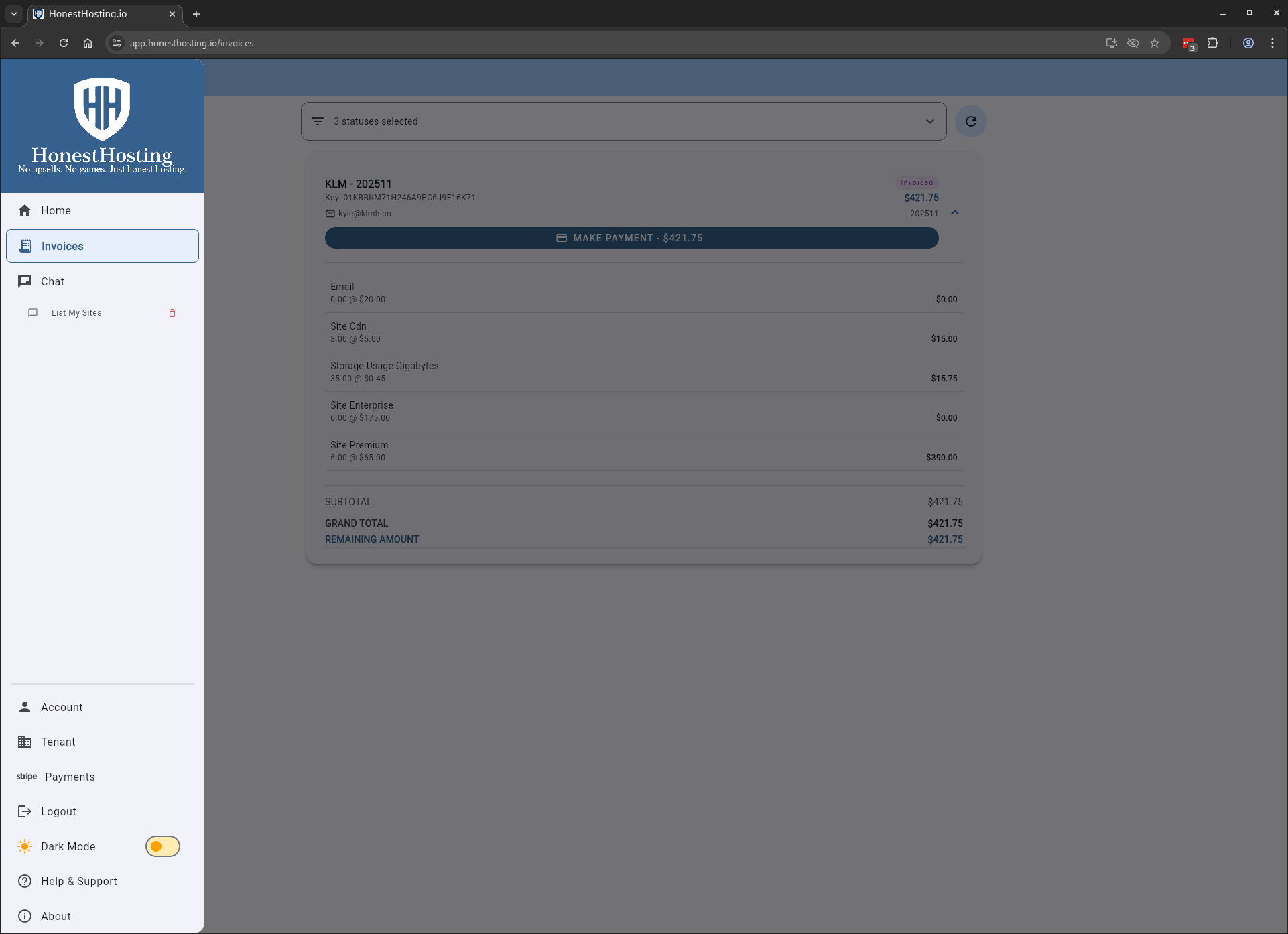
To review your pending invoices, click on the left-hand Invoices menu item:
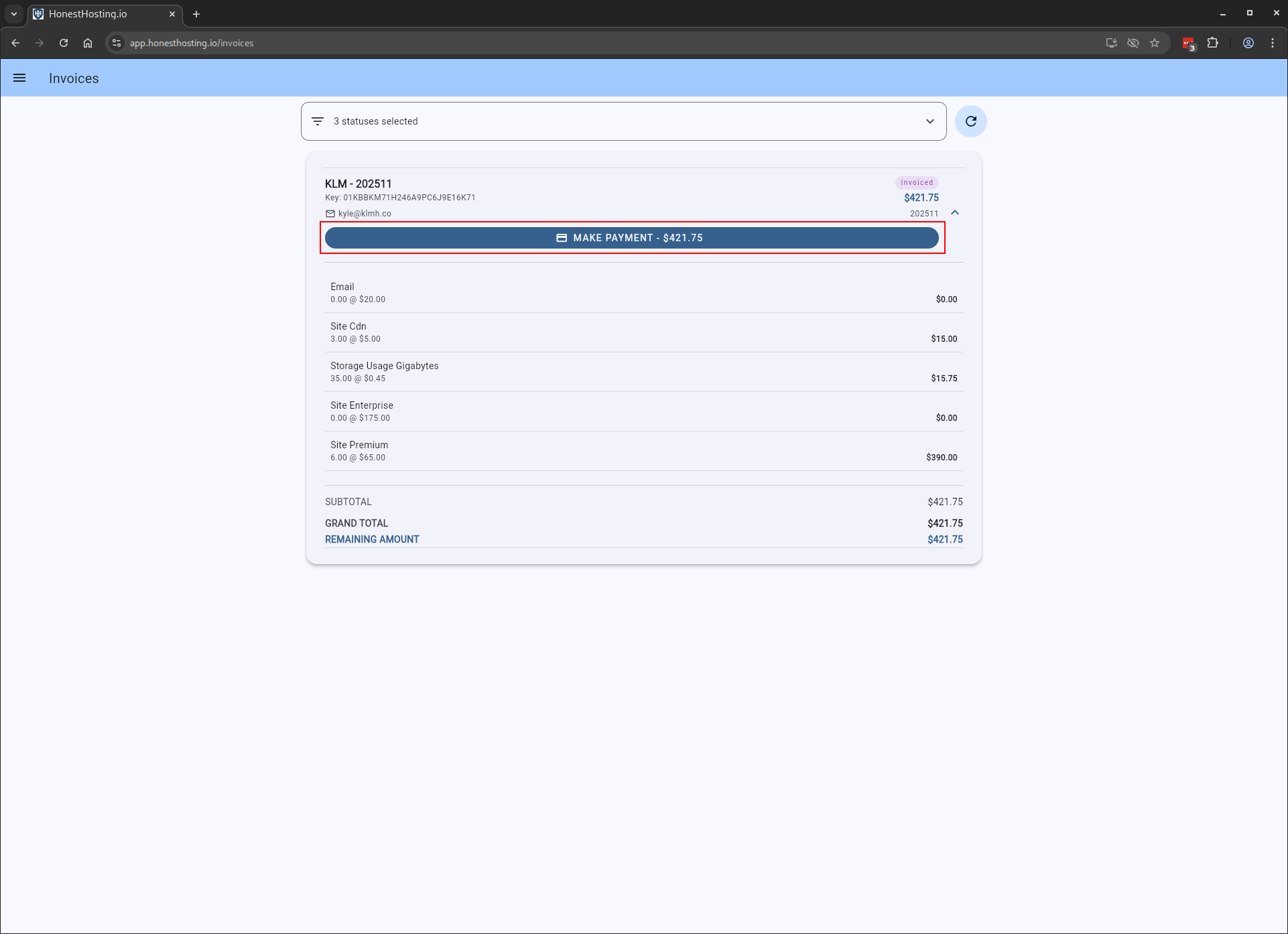
To make a payment, click on the Make Payment button, which will direct you to the payment page:
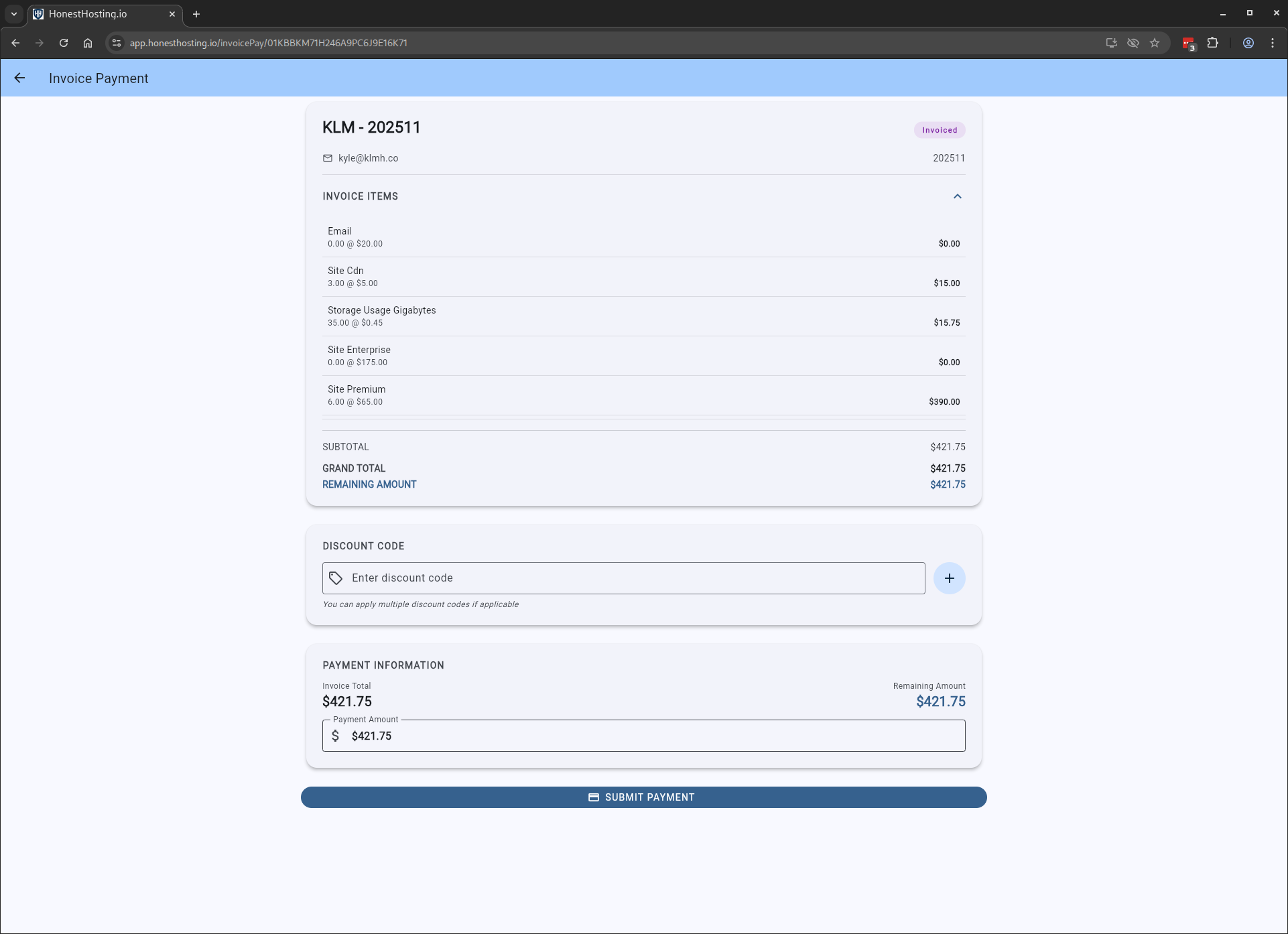
The payment page allows you to apply Discount Codes and review INvoice data before starting the checkout process.
You will now begin the Stripe checkout process, which you must complete in order to mark the invoice as paid (not shown).
Once processed, you will land back on the Invoices page, with the Invoice marked as Paid.