Site
Summary
The Site tab lets you create new sites and view a list of existing sites. Sites can be assigned to a Property for
organization.
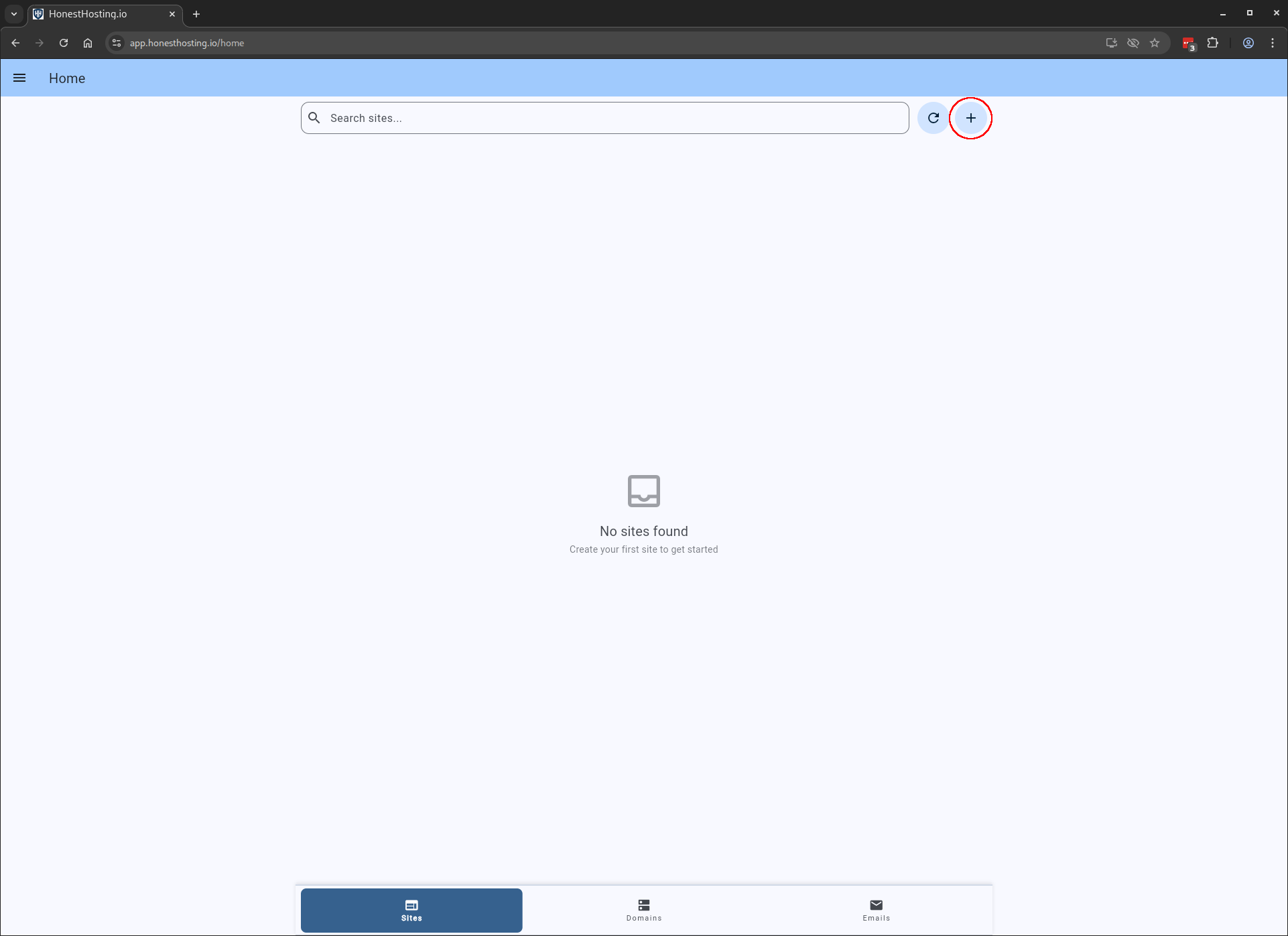
To get started, click on the + Site button:
The sections below cover the full Site lifecycle — creating a new site, editing its deployment settings, day-to-day
operations (restart, reinstall, suspend), and migrating an existing site in from another host.
- Create — Provision a new
Siteby choosing its name, type, tier, datacenter, and storage. - Edit — Update an existing
Siteto configure CDN, REDIS, backups, FileManager, phpMyAdmin,Domain,CustomDNS, and Advanced settings. - Restart — Restart a
Site(~60s downtime) without touching its files or database. - Reinstall — Reinstall the base files for a
Siteas a recovery option; database and settings are preserved. - Import — Migrate an existing site from another host into HonestHosting using the
HonestHosting Site Migratorplugin. - Suspend — Suspend a
Sitewith a reason; visitors are redirected to a suspension landing page.