Getting Started
Create Account
Browse to Register and fill out your information. Once you login, you can create
Sites, Domains, and Emails.
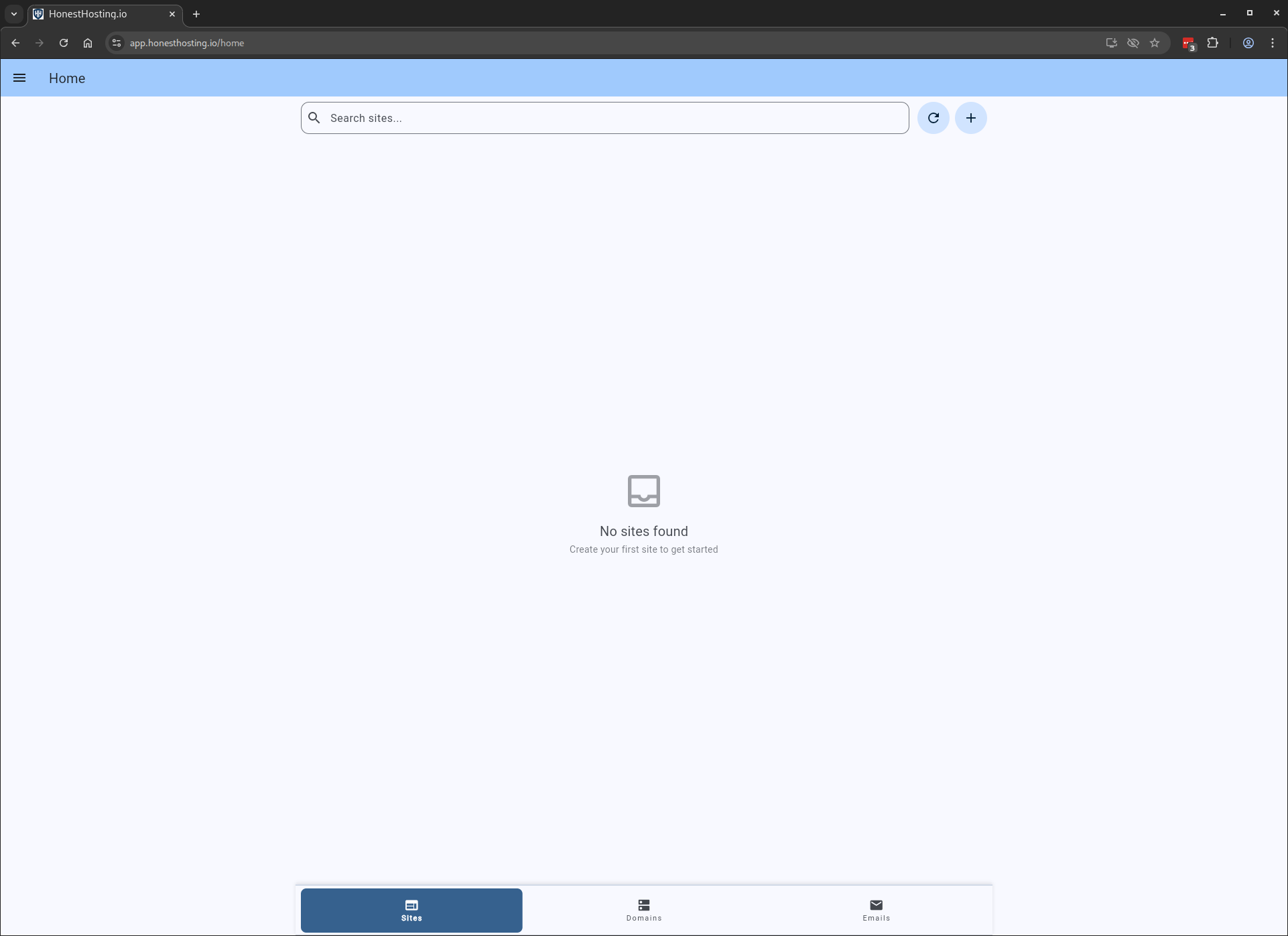
Create Site
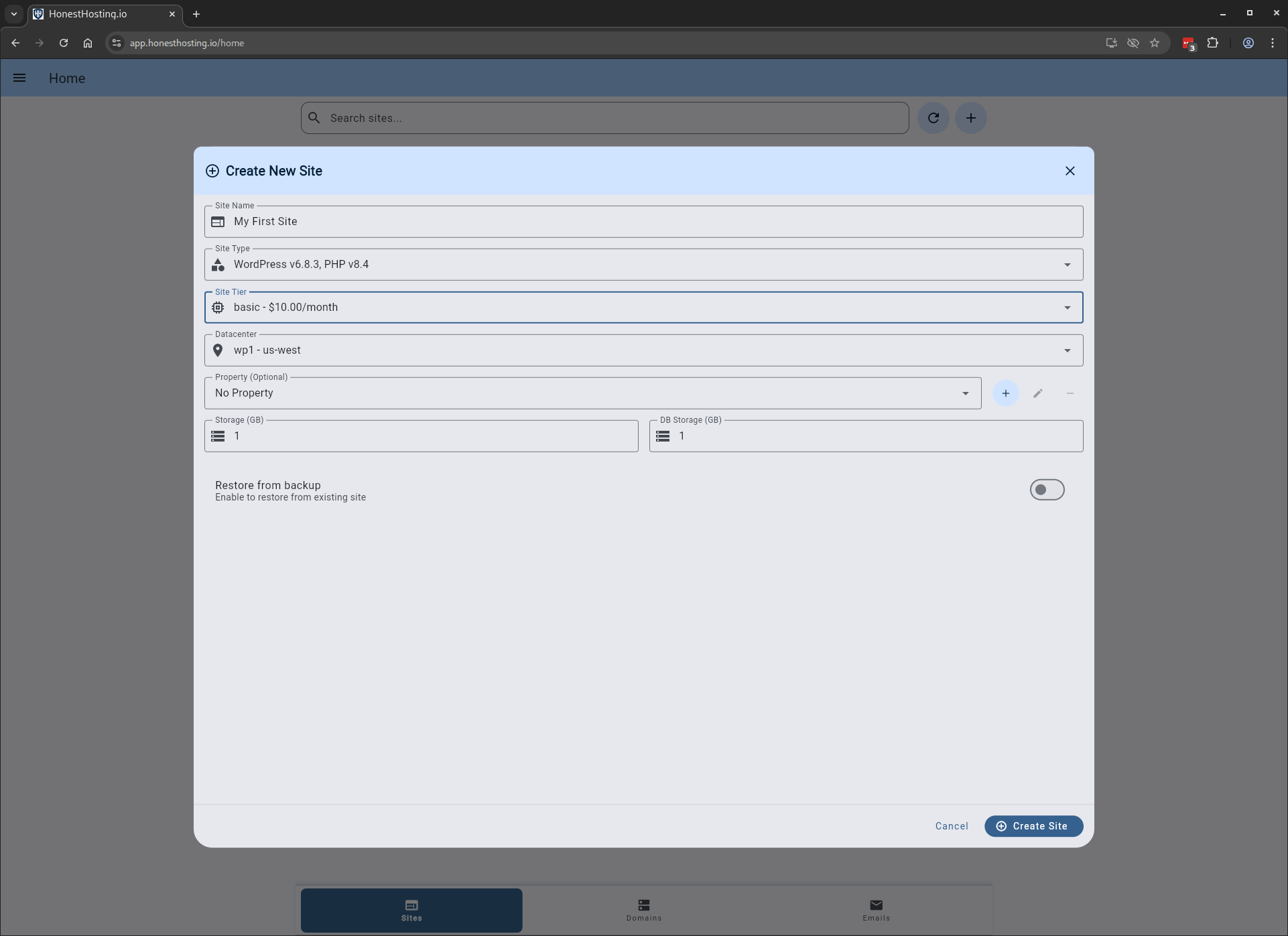
When creating a Site, specify basic information like the Name, Datacenter, Type, Tier, and Storage.
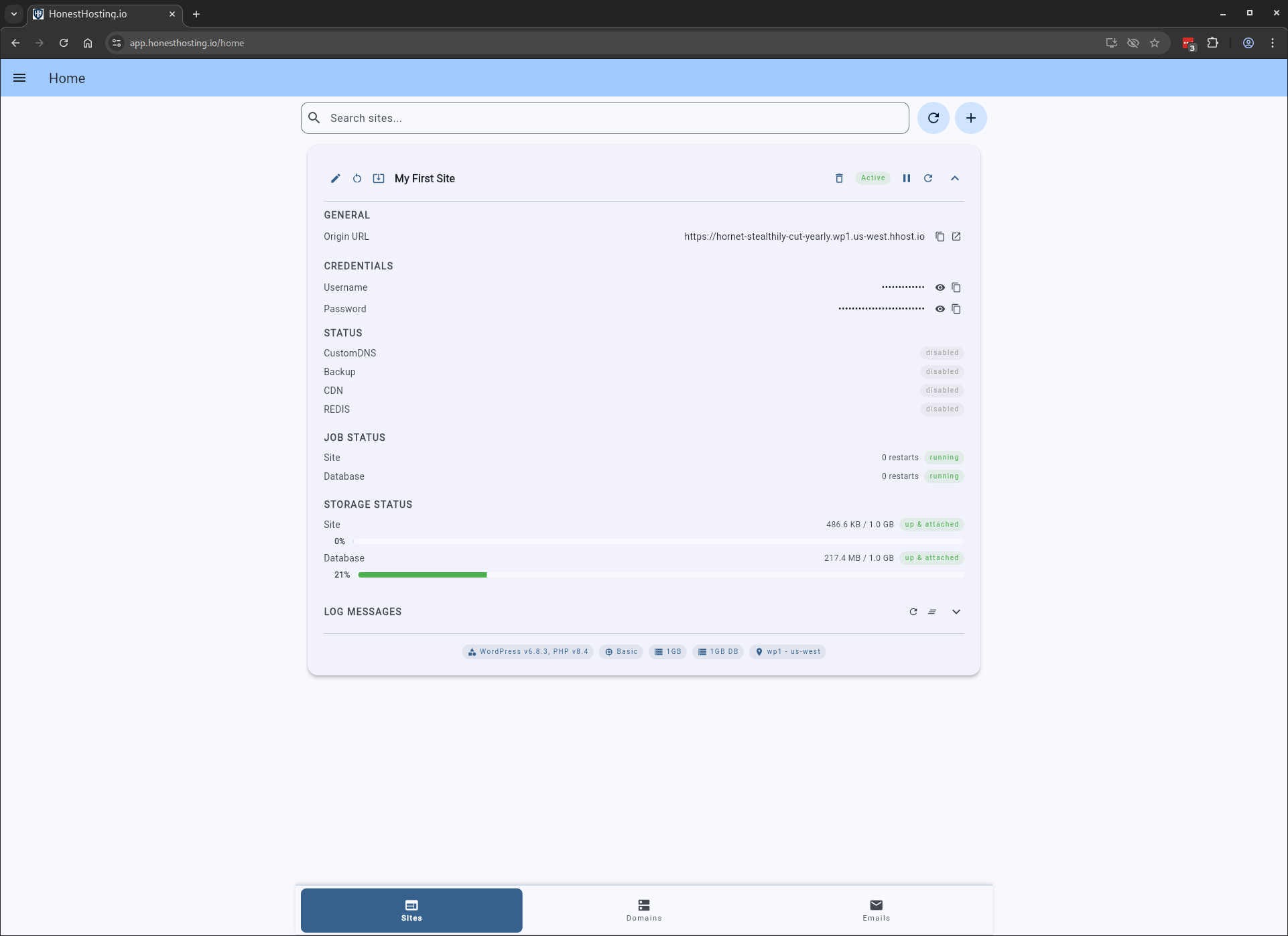
The Site will be created in about a minute, and you can edit it once it’s ready to update other settings.
Edit Site
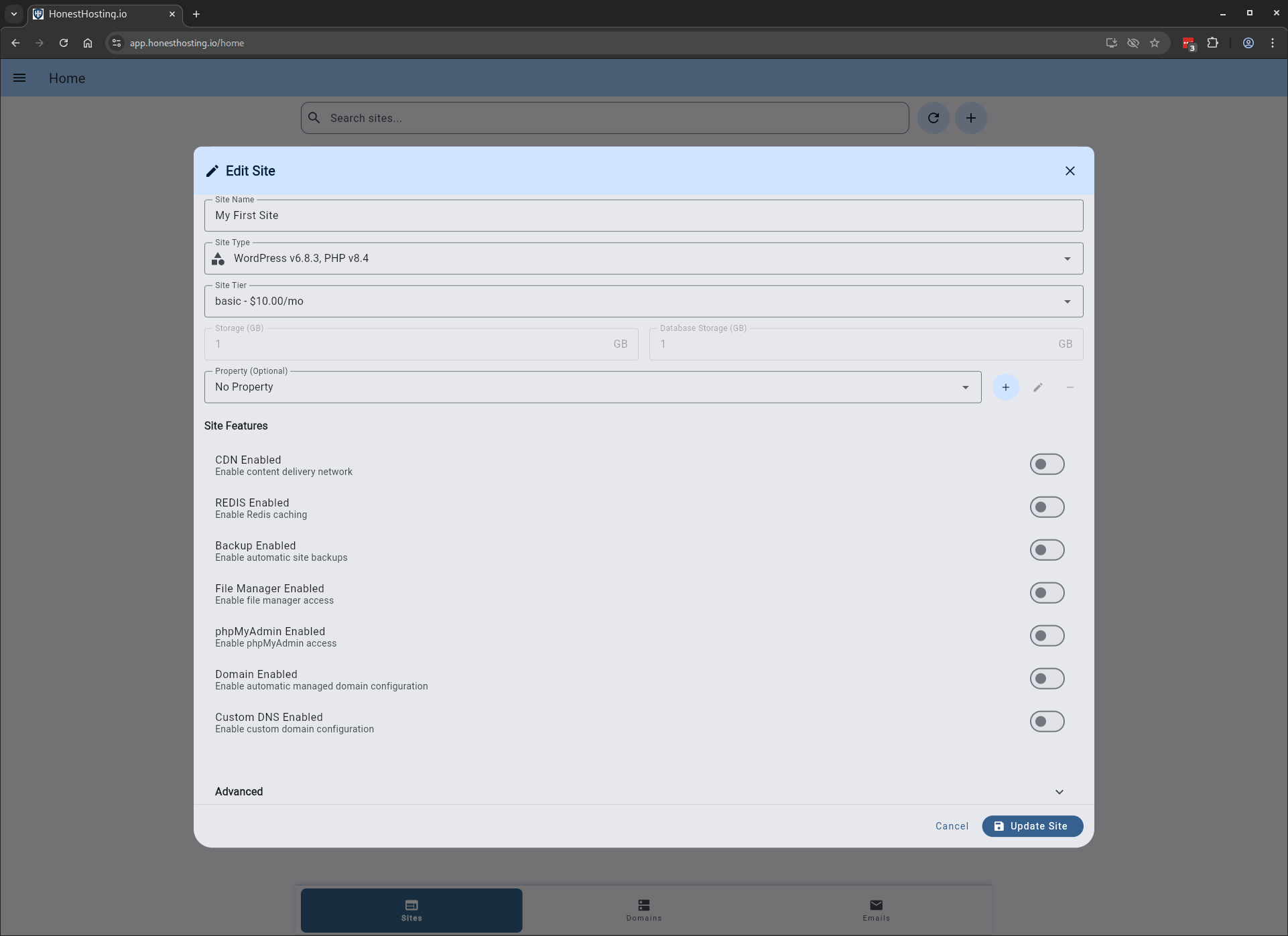
Edit a Site to update it’s deployment include CDN settings, REDIS object cache, CustomDNS, FileManager, and other options.
For the full list of Site options and settings, review the Site chapter.
Setup Domain
For the full list of Domain options and settings, review the Domain chapter.
When setting up a Domain, specify basic information like the Domain and Contact Email.
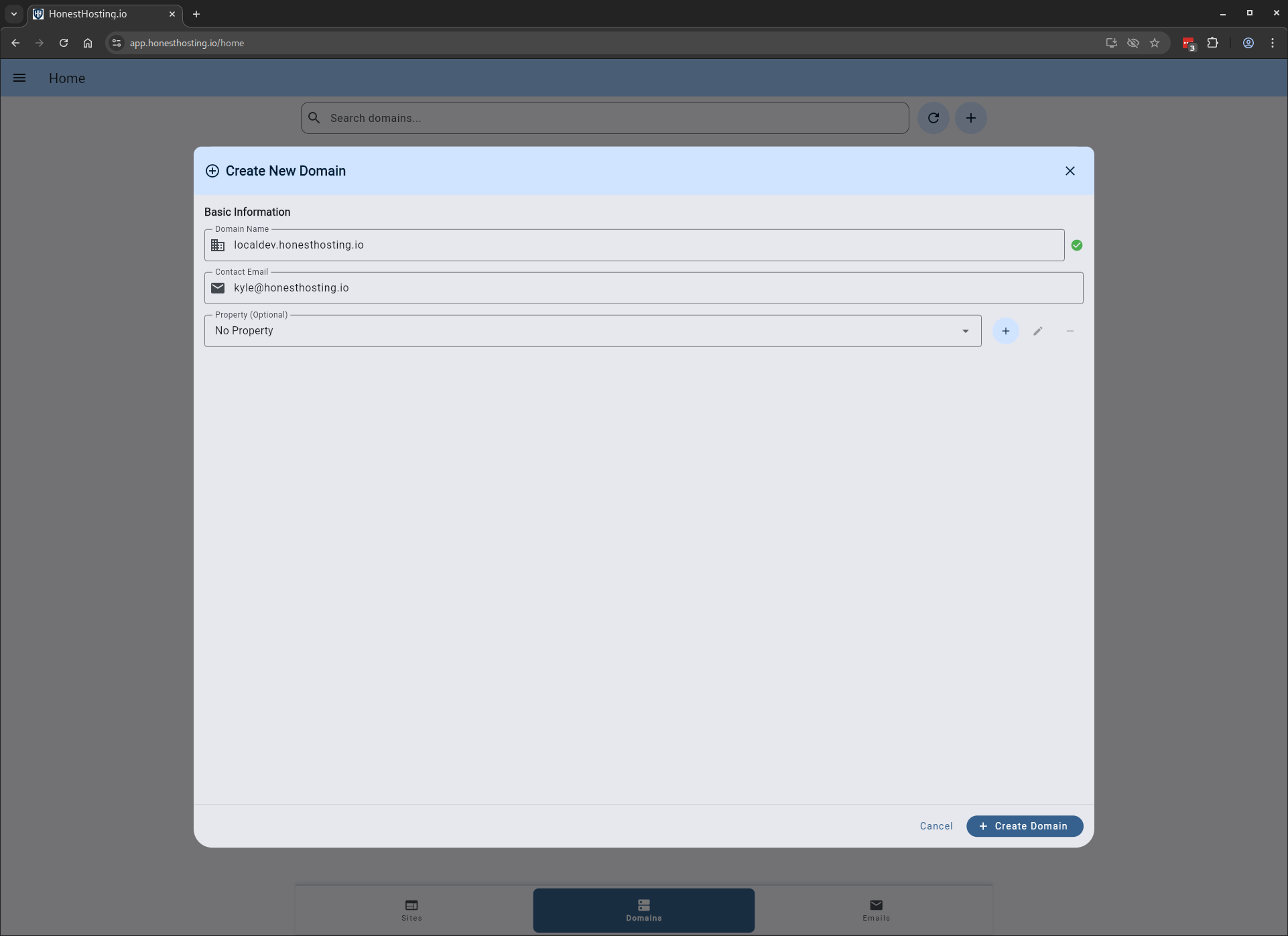
The Domain will be setup in about a minute, after which you can setup Nameservers and view other status.
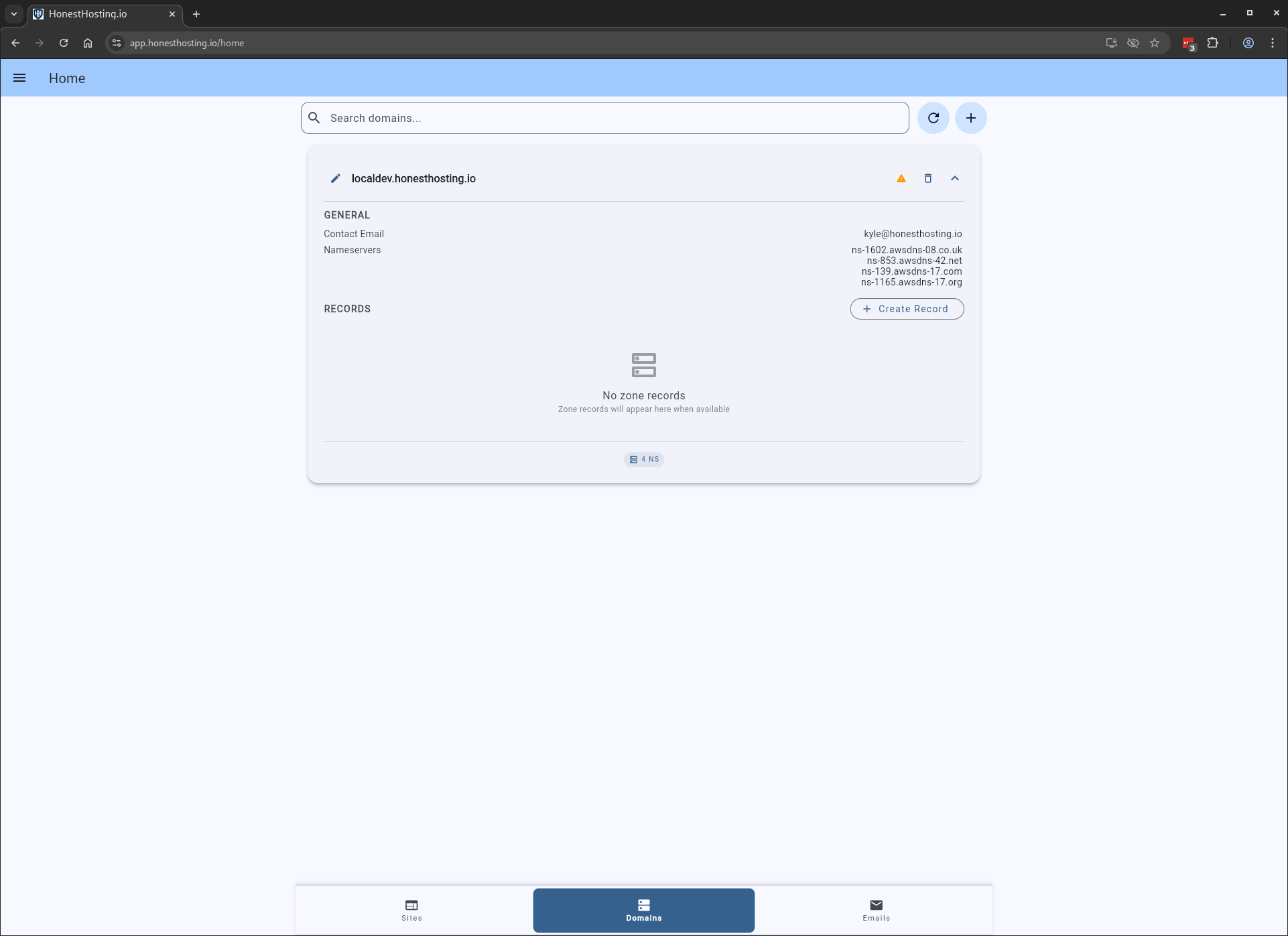
To view nameserver status in Public DNS, click on the icon to the left of the Trash icon, which will bring up
a dialog that allows you to review public DNS configuration.
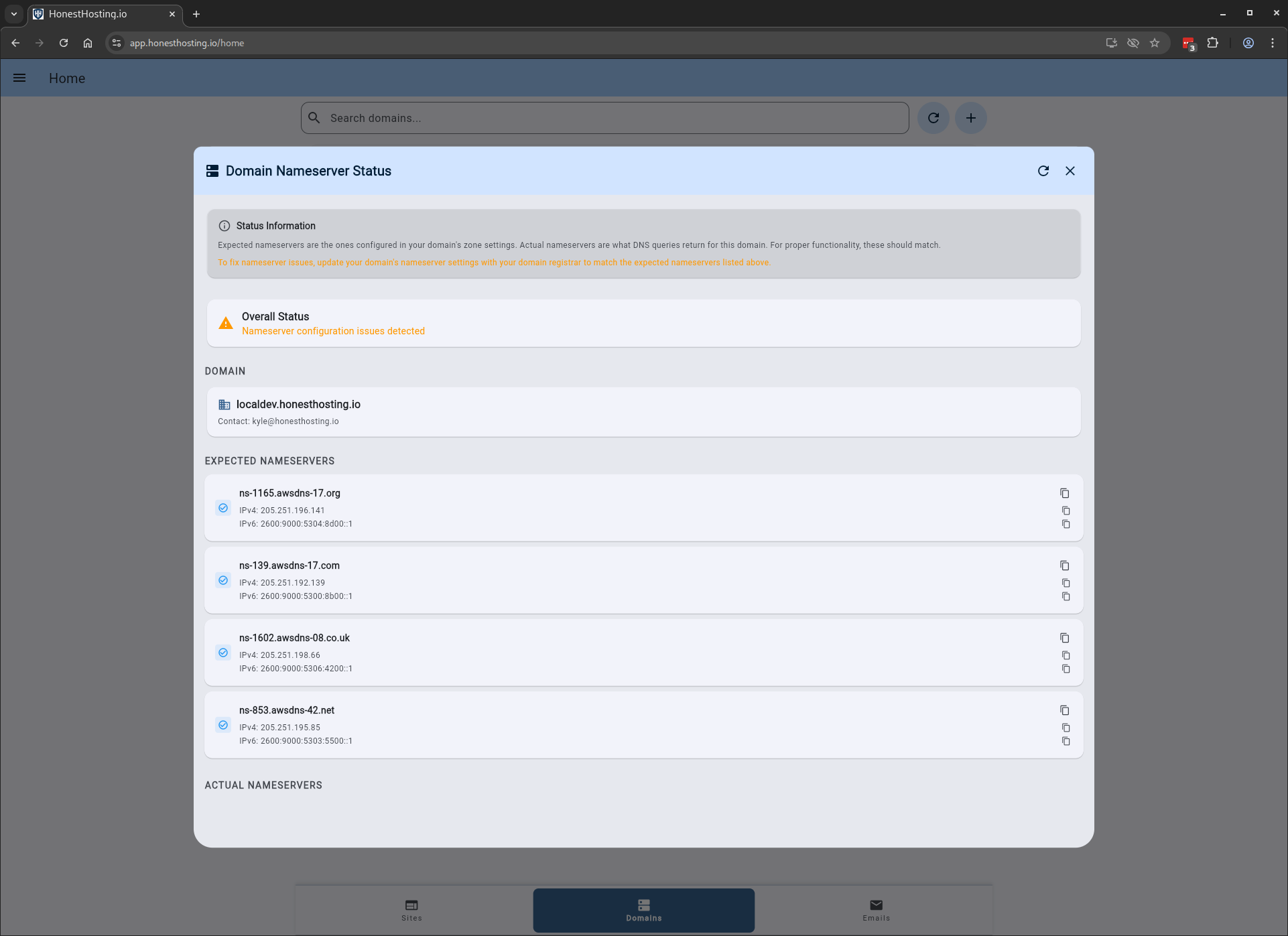
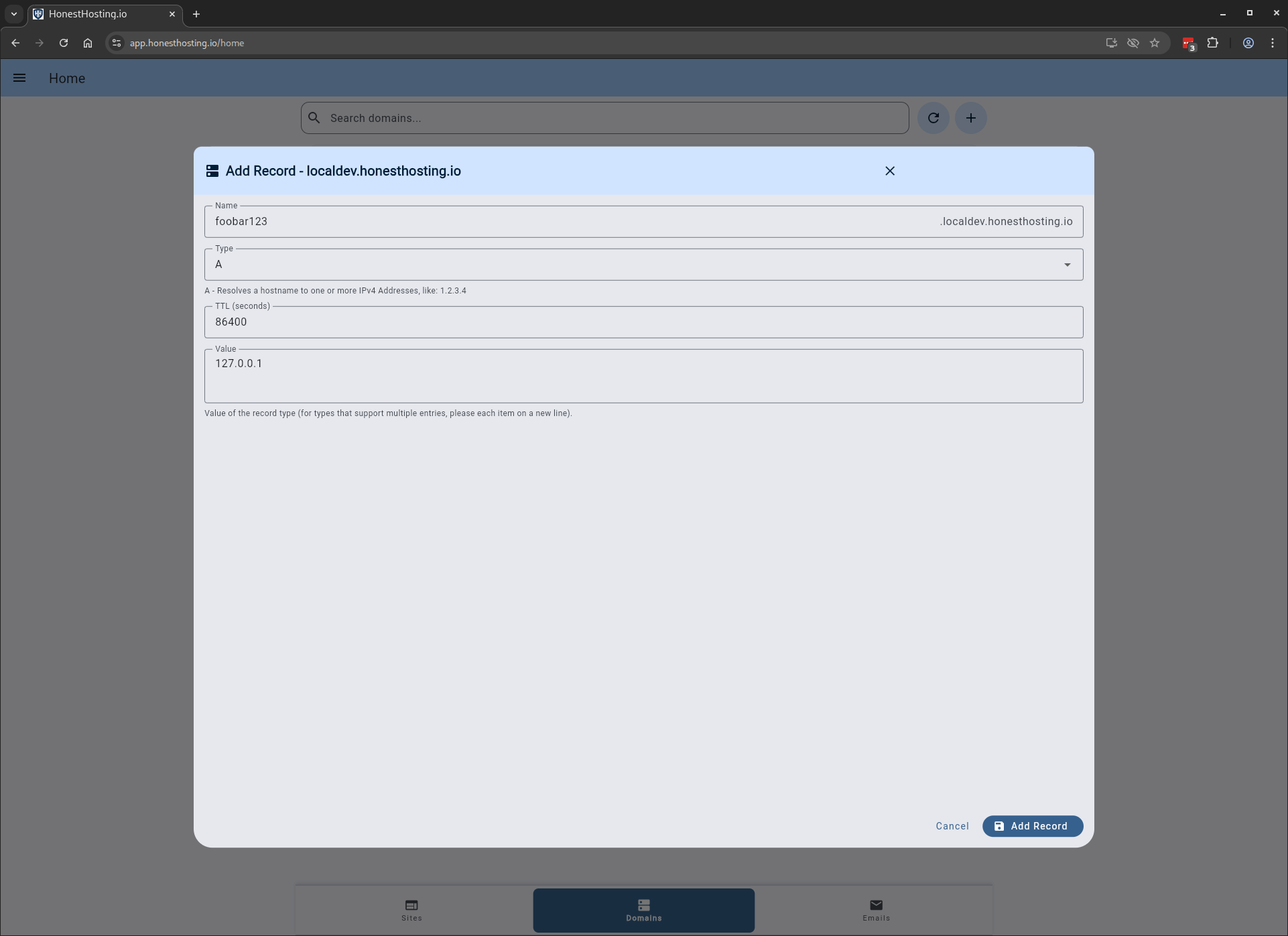
You can also add manual records by clicking Create Record and specifying the Name, Type, and other information.
Setup Email
For the full list of Email options and settings, review the Email chapter.
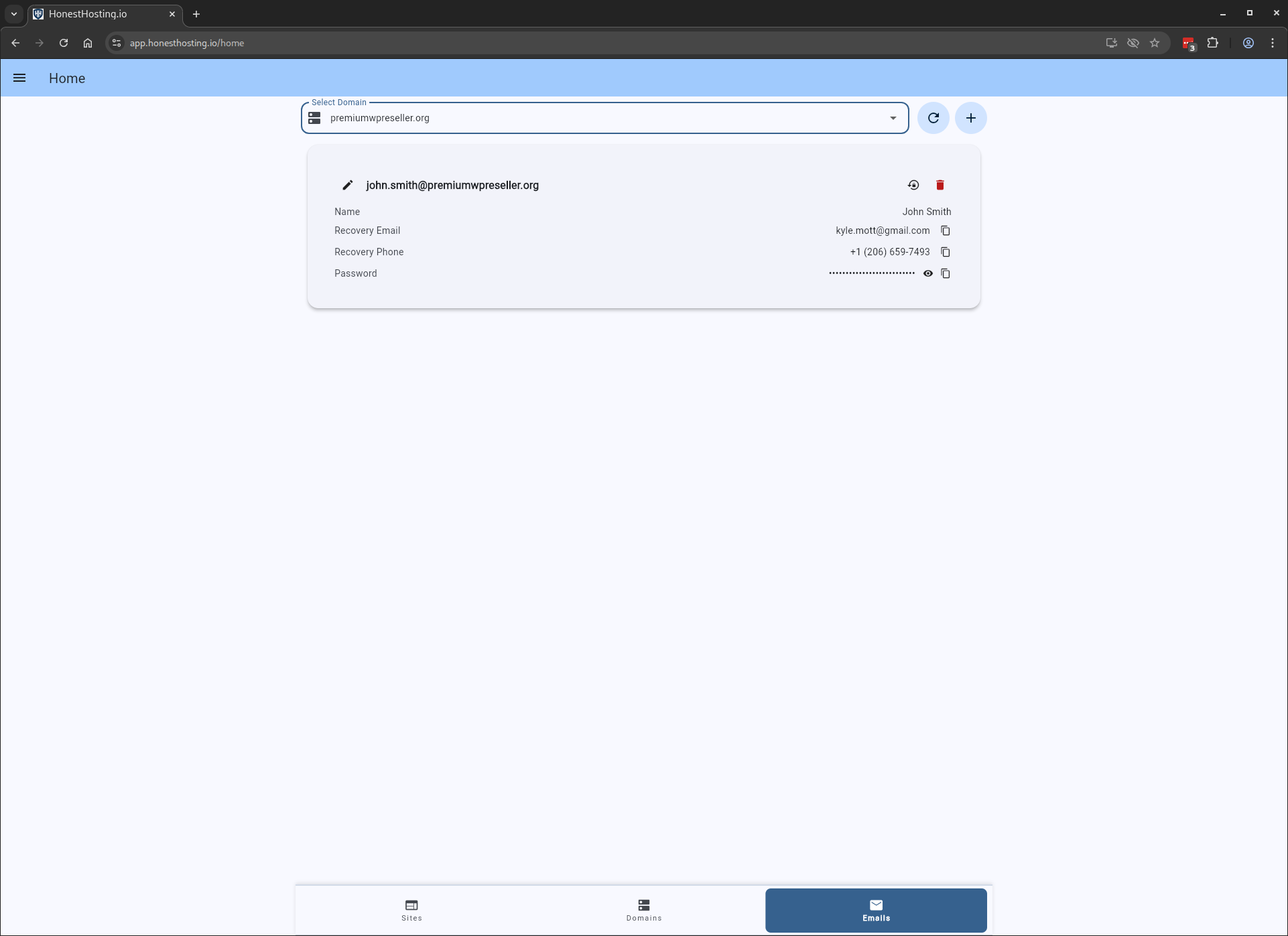
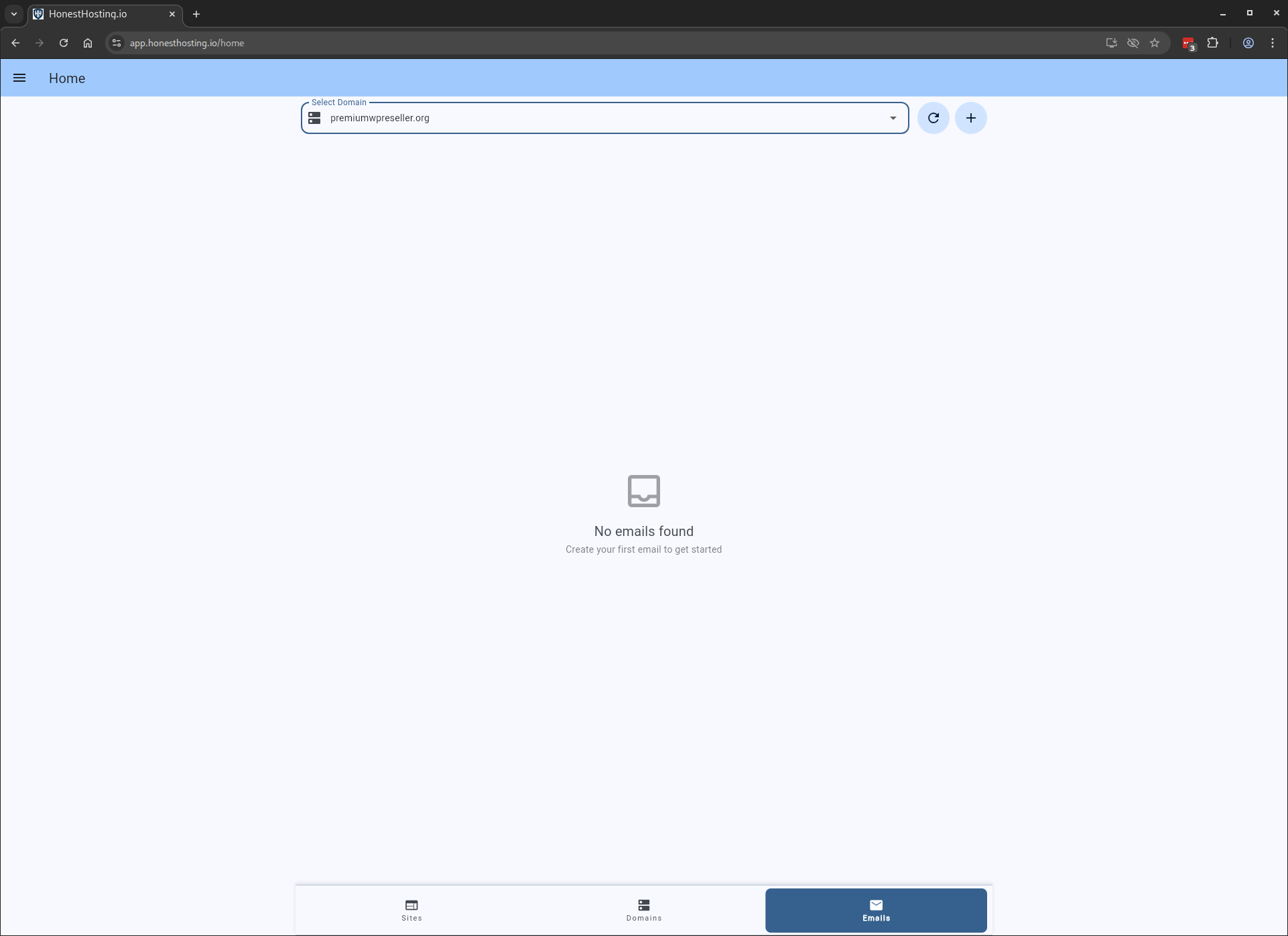
After browsing to the Email tab, select the domain you would like to add an Email account.
Specify information like First name, Last Name, Email, and Recovery options.
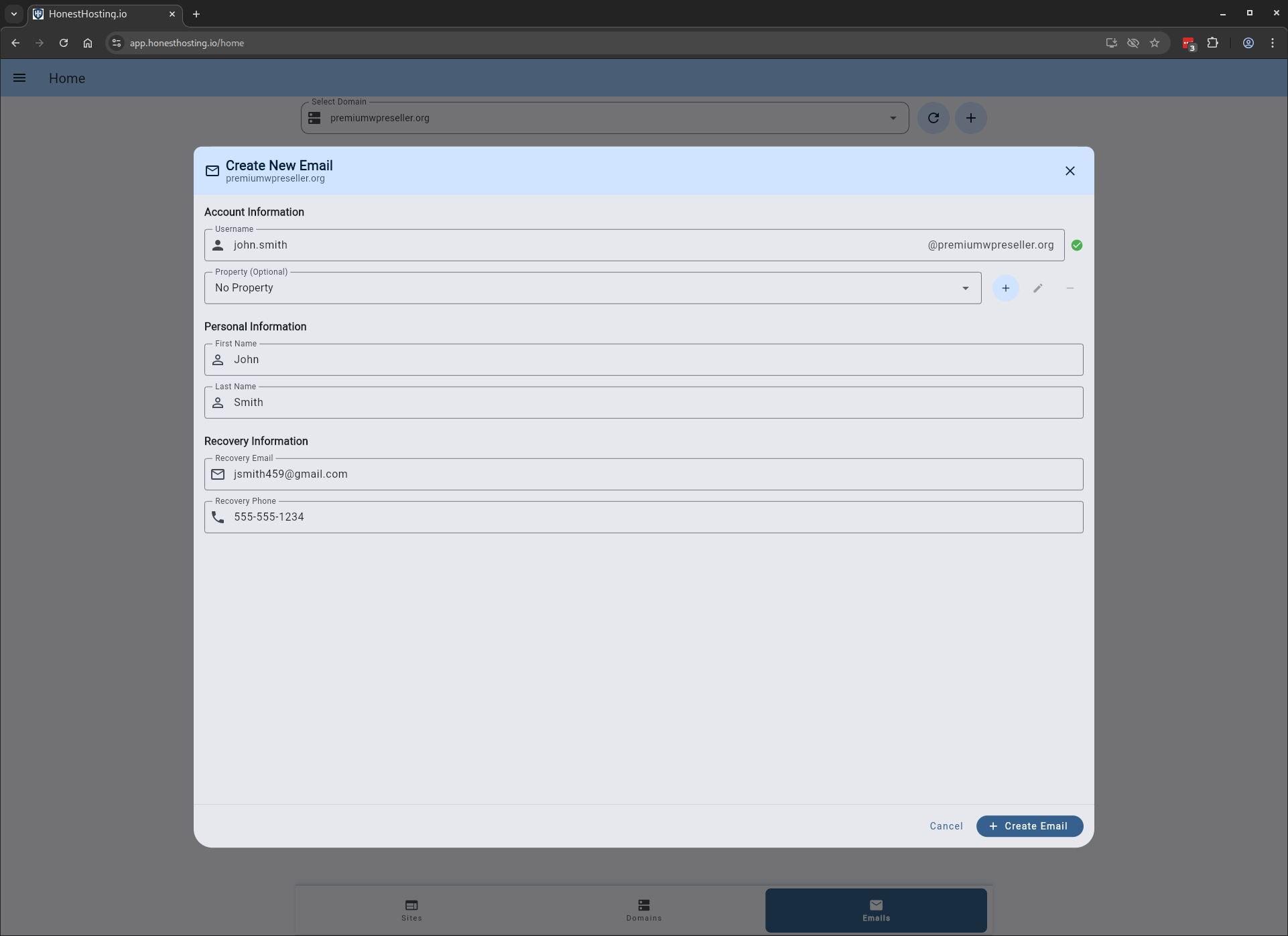
Once the Email is created, you can email the Address and Password to the user.