> Billing > Invoices
Invoices
Invoices
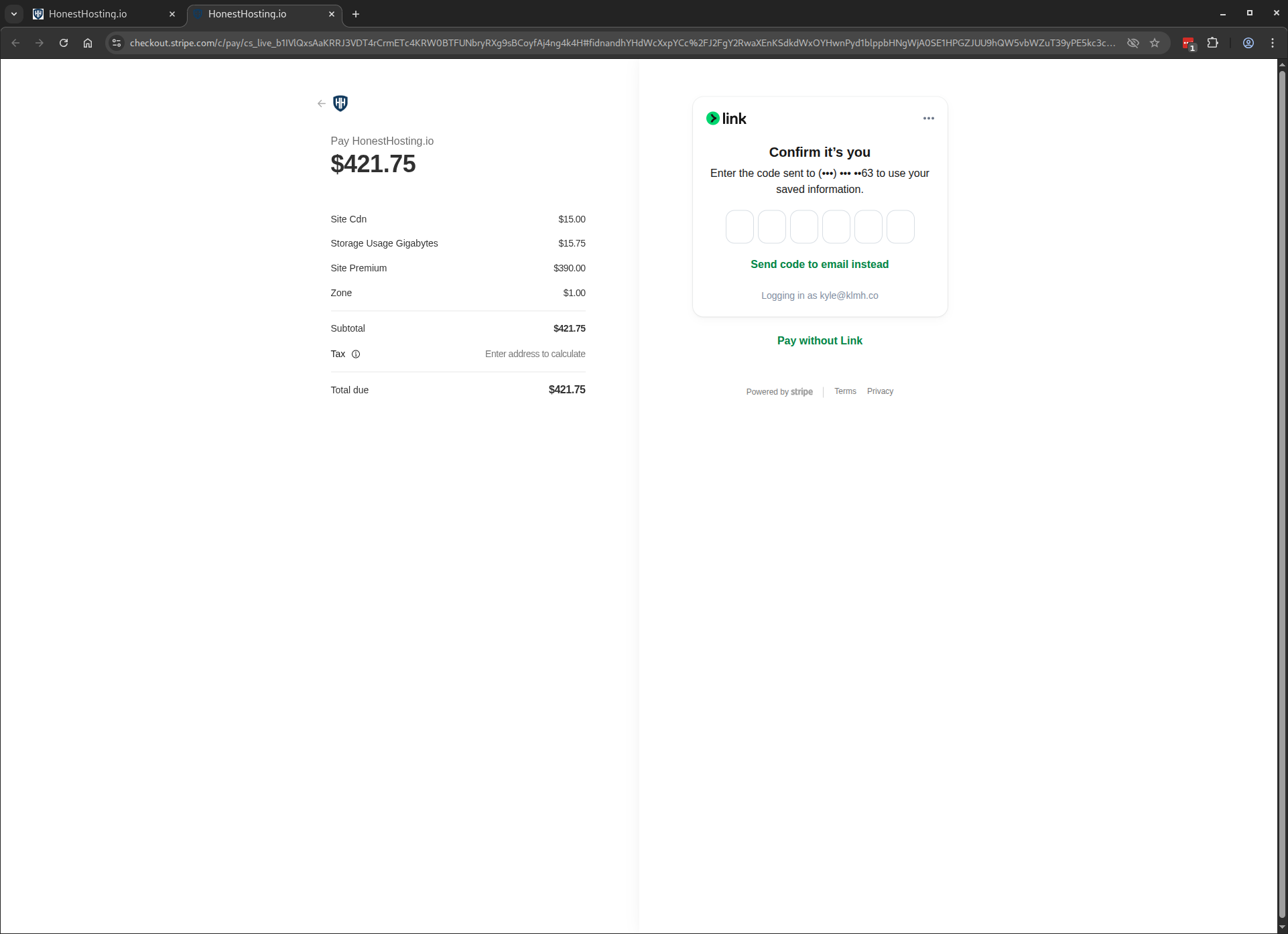
To review your pending invoices, click on the left-hand Invoices menu item:
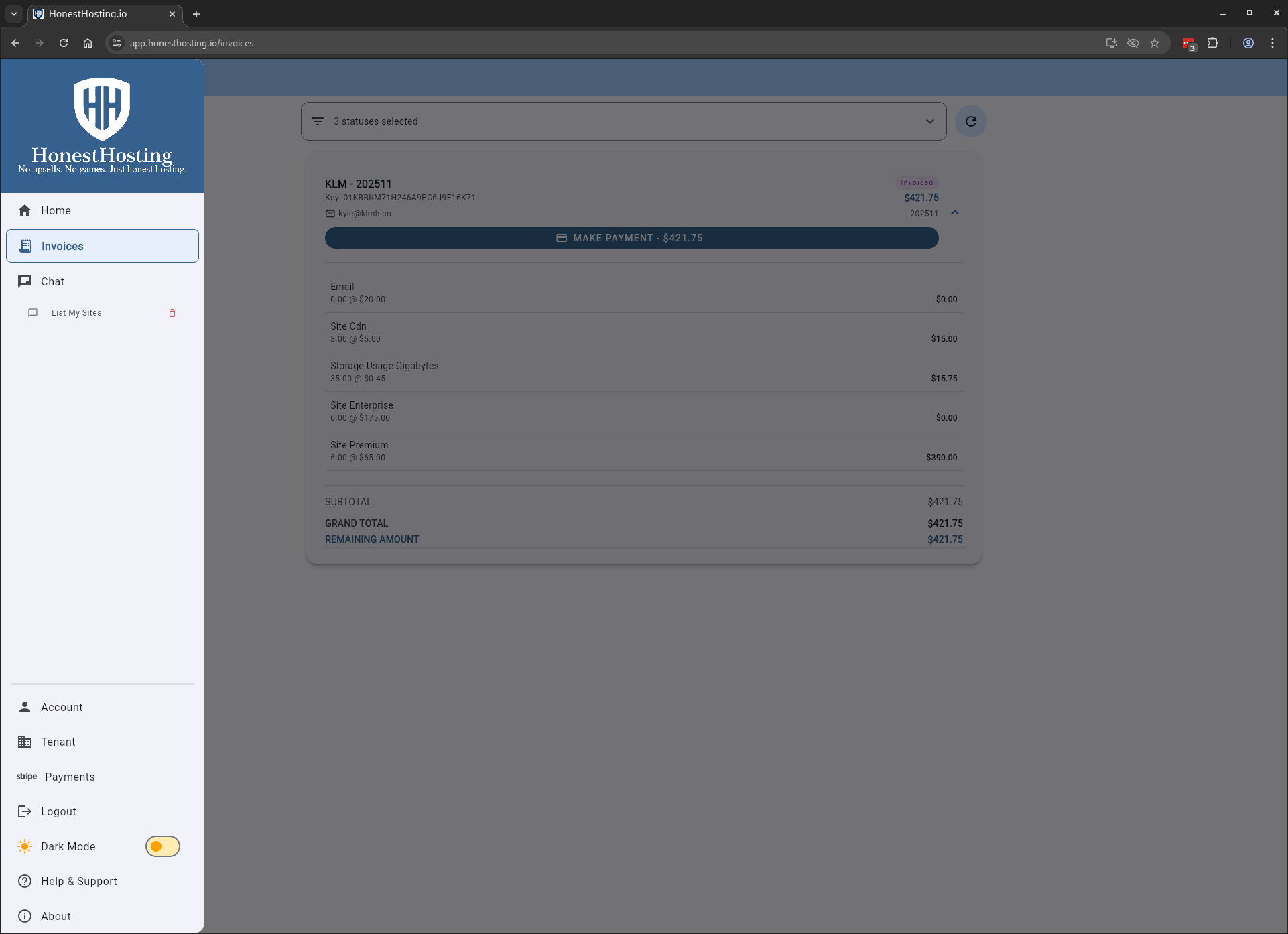
To make a payment, click on the Make Payment button, which will direct you to the payment page:
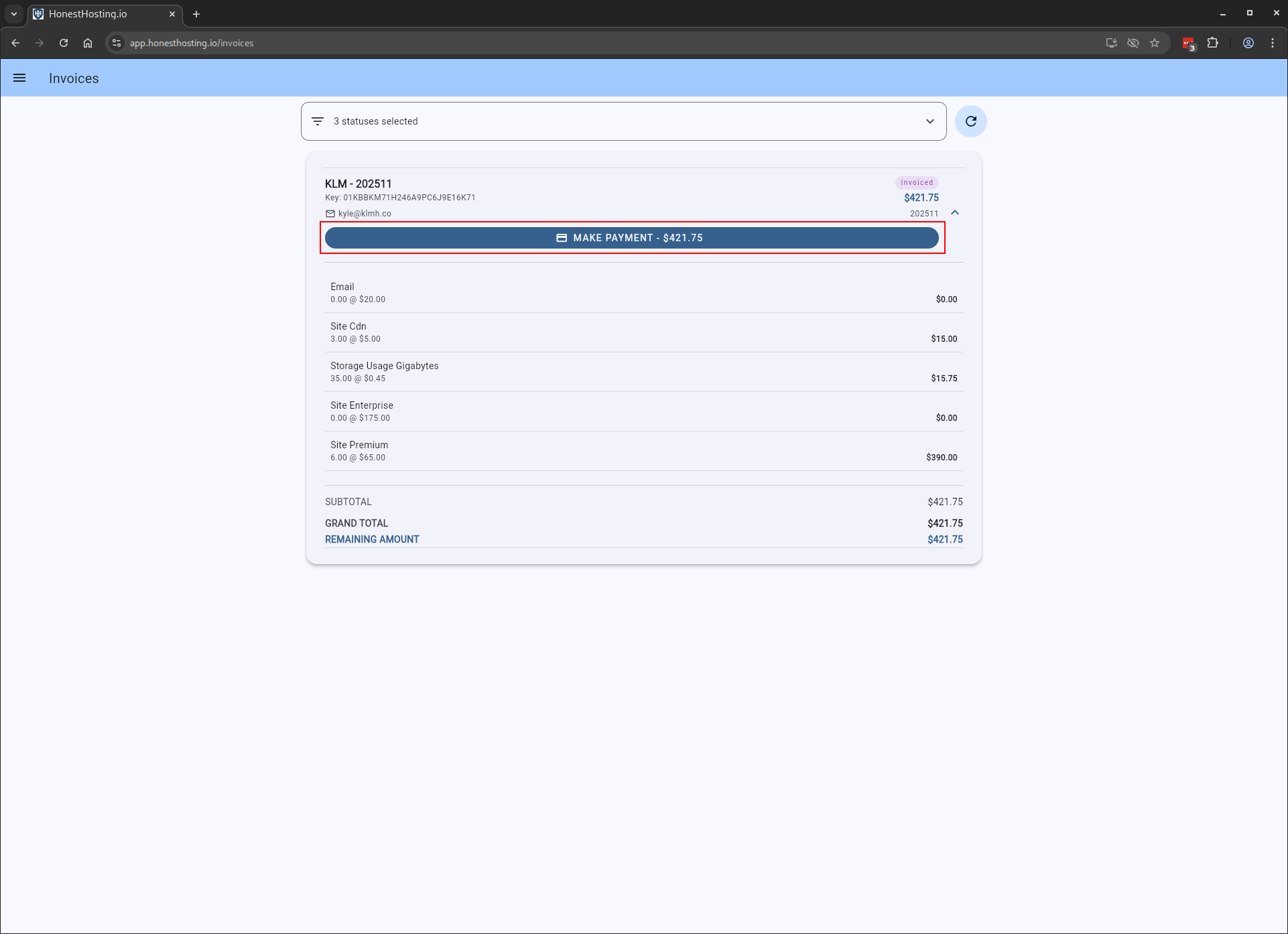
The payment page allows you to apply Discount Codes and review Invoice data before starting the checkout process.
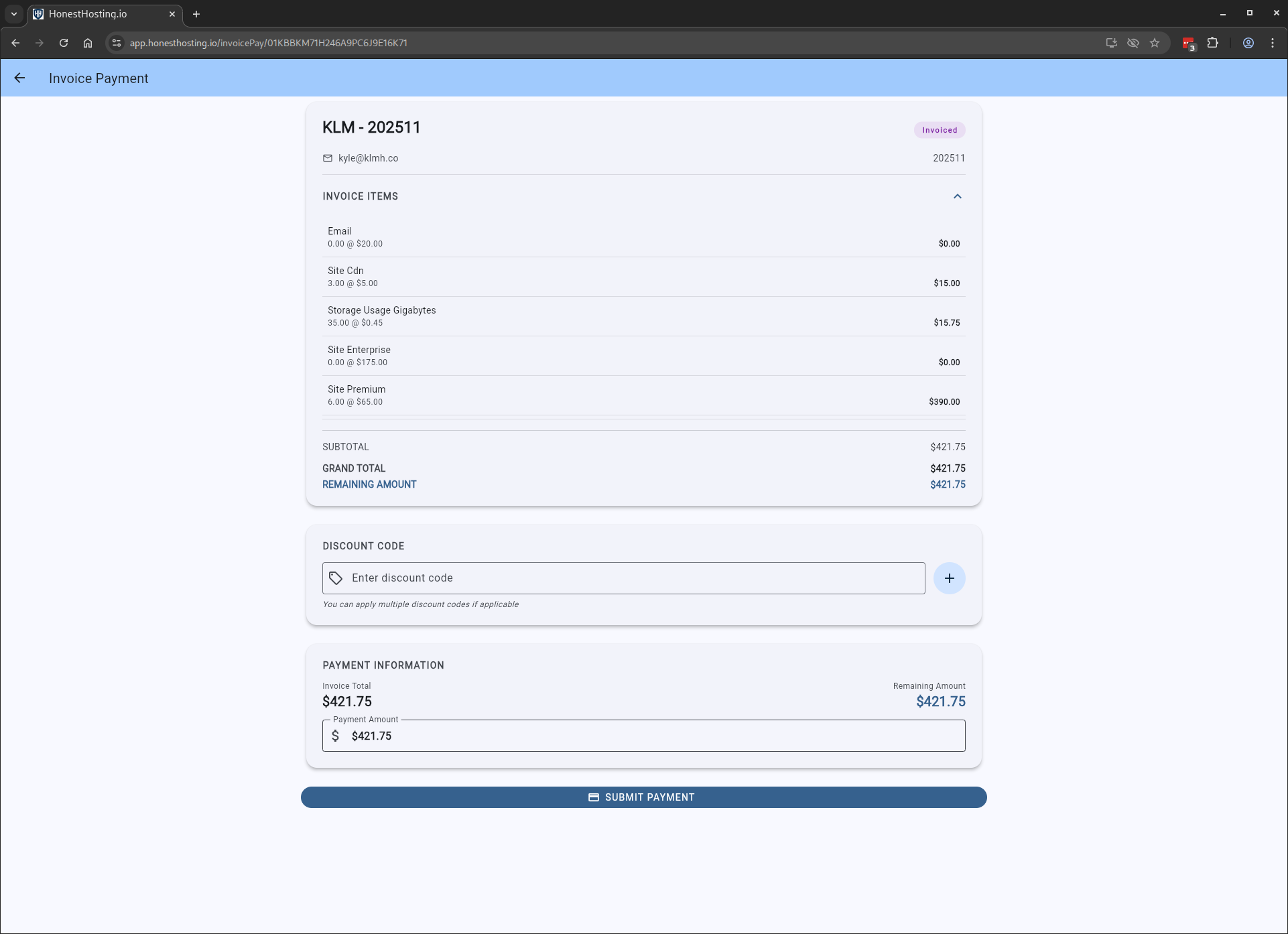
You will now begin the Stripe checkout process, which you must complete in order to mark the invoice as paid (not shown).
Once processed, you will land back on the Invoices page, with the Invoice marked as Paid.