> Email > Reset Email Password
Reset Email Password
Reset Email Password
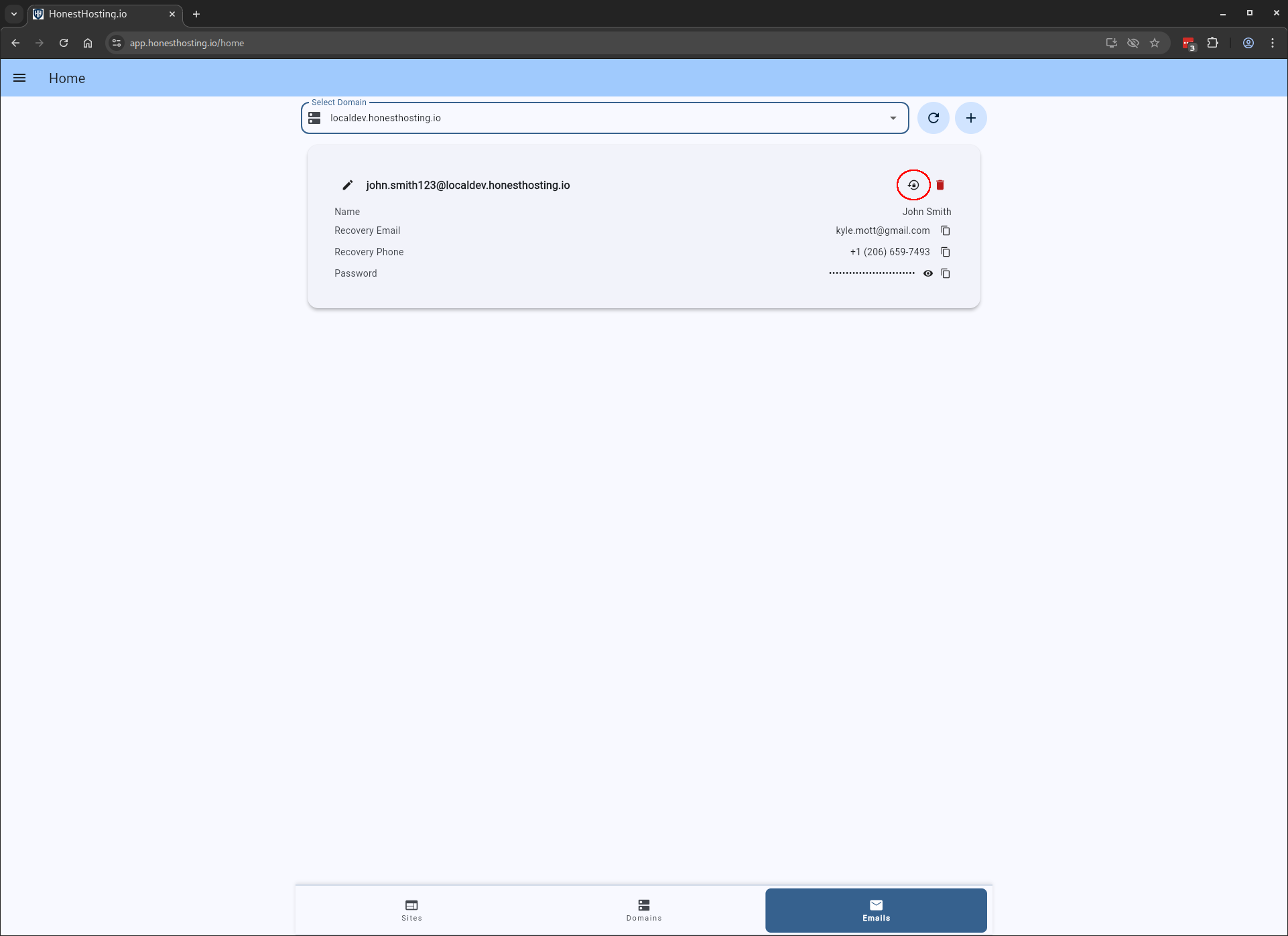
If a user loses access to their account, you can reset their password by clicking Reset Password for their email
account. A new temporary password will be generated for them, which you can then send to the user.
Alternatively, the user can also follow the Google Recovery steps and recover their account using the email and/or phone number they provided to you when you initially created the account.