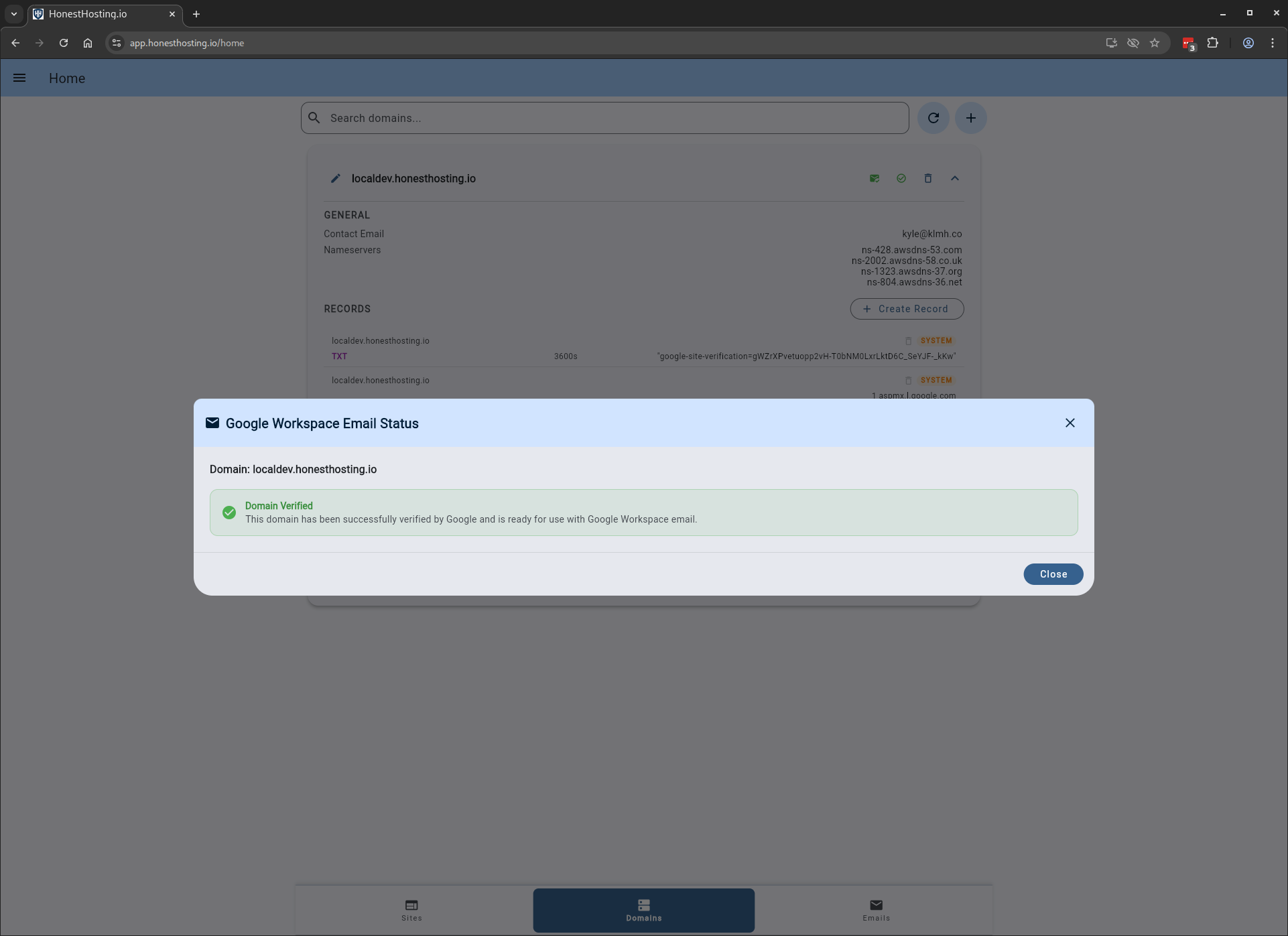
> Email > Enable Google Workspace
Enable Google Workspace
Enable Google Workspace
To enable email accounts for your Domain, select the Domain tab and edit the Domain. Enable the toggle for Google Workspace Email.
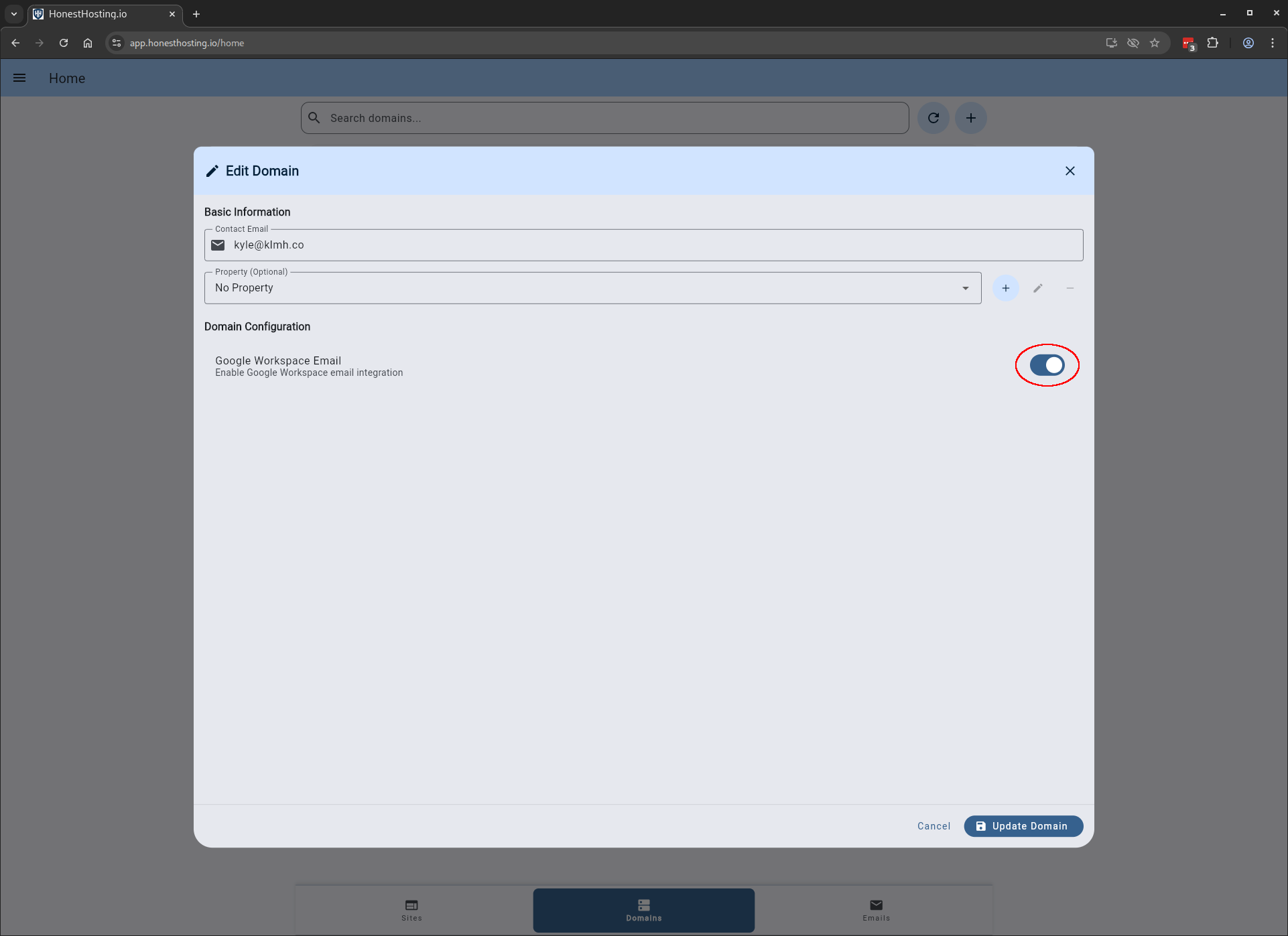
After saving your changes, the system will perform the following steps:
- Remove any existing MX records for the domain, if they exist.
- Setup new MX records that point to Google Workspace account (managed by HonestHosting).
- Attempt to verify the domain with Google, which can take up to 24 hours.
HonestHosting will attempt Google Domain verification every 10 minutes. It can take quite some time (24-48h) to enable and verify the domain with Google Workspace. If you notice the domain is NOT verified after 24 hours, please contact us via our Contact Form, and we will be happy to take a look.
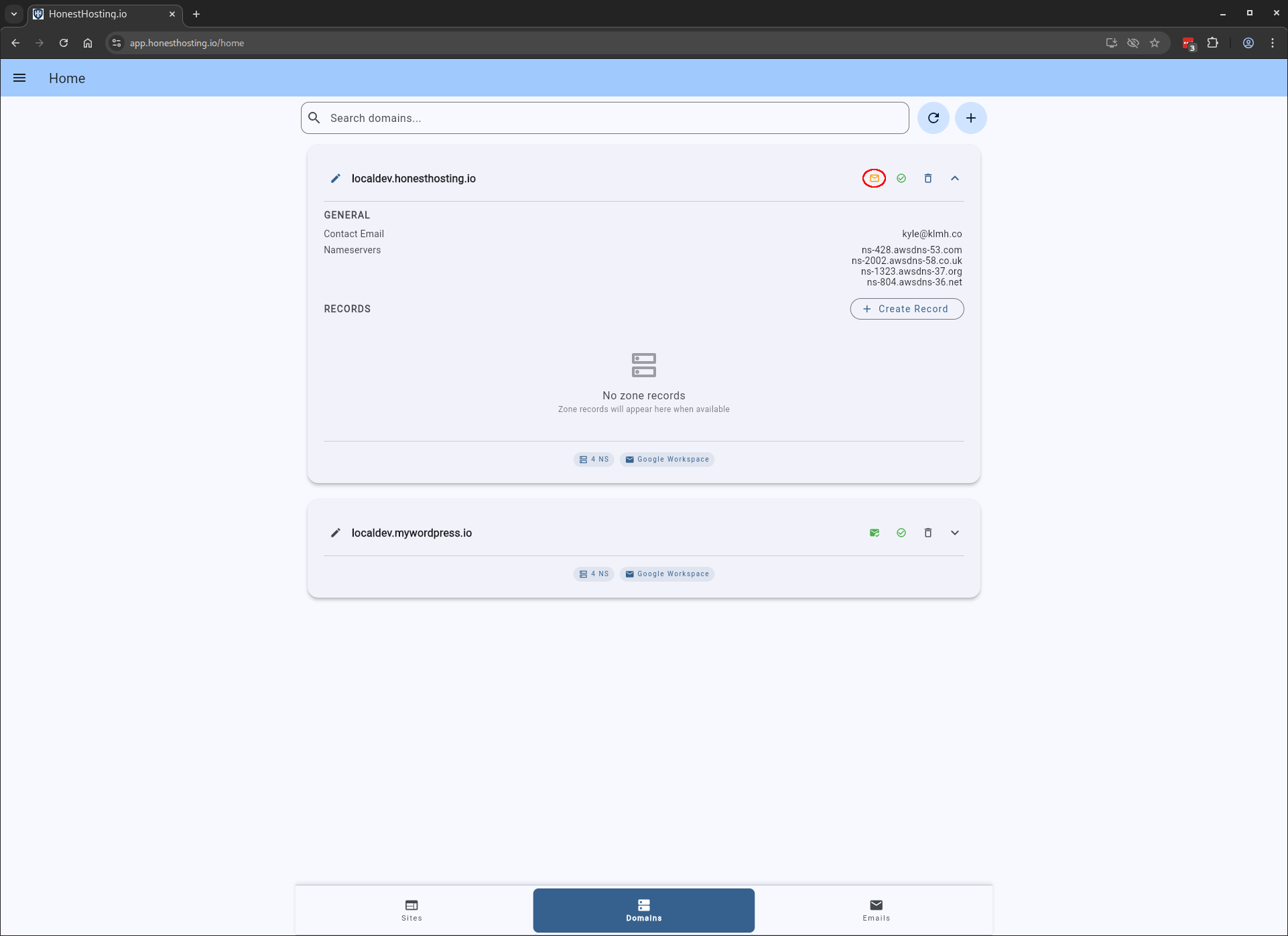
Additionally, you can click on the Email Status icon to view more information about the verification process.
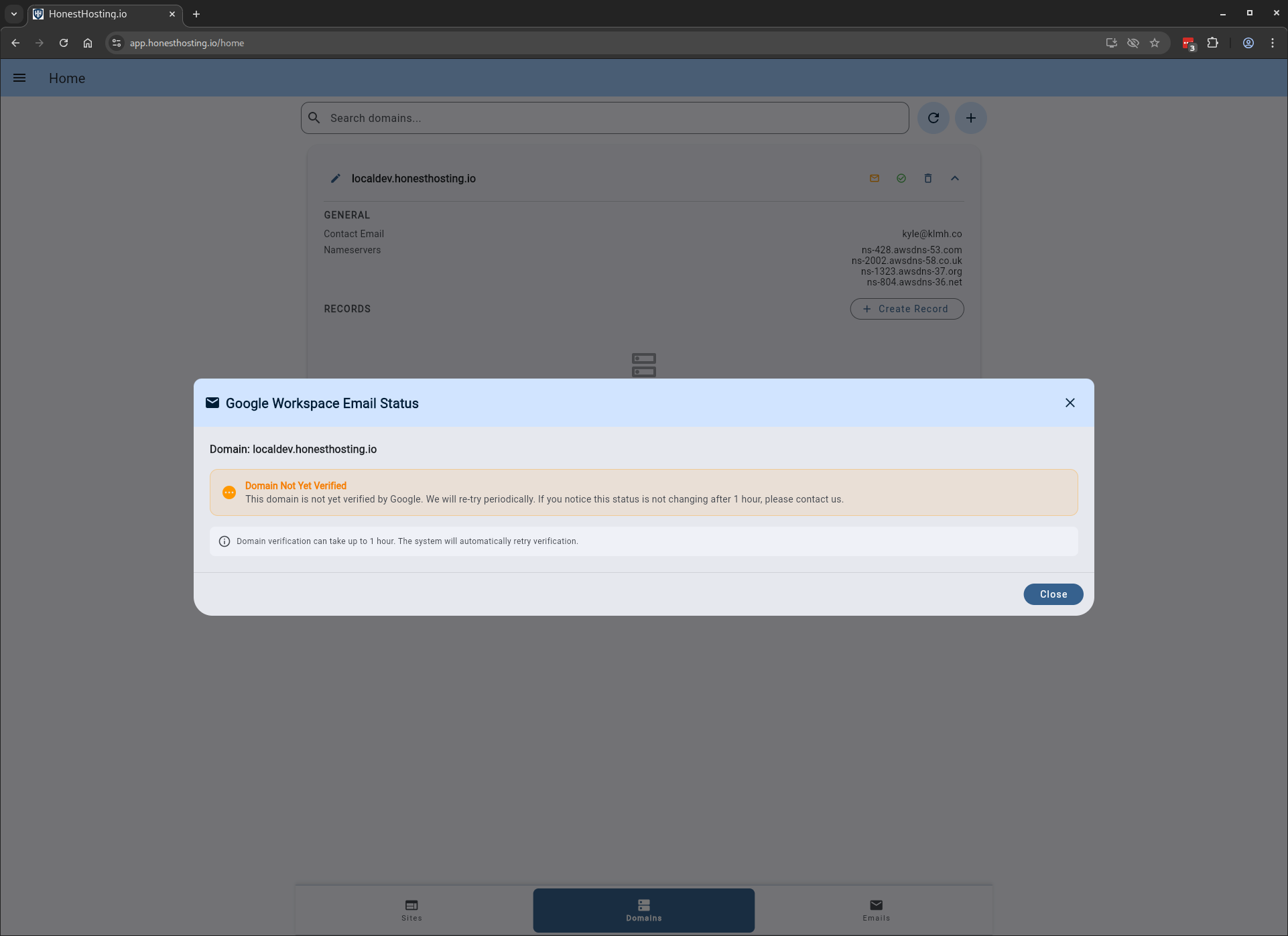
Once successfully verified, the status will turn green: