Setup Domain
Setup Domain
For the full list of Domain options and settings, review the Domain chapter.
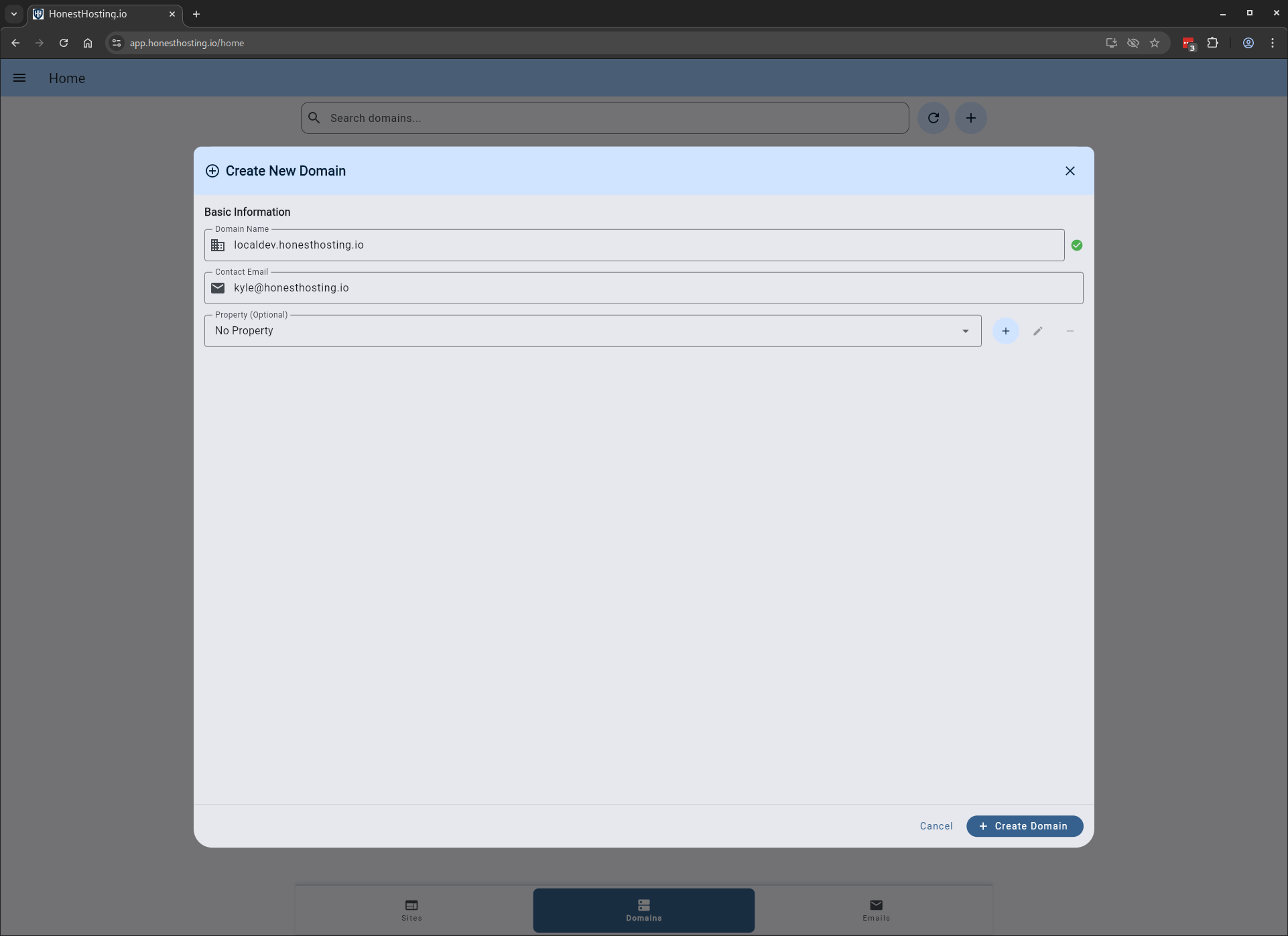
When setting up a Domain, specify basic information like the Domain and Contact Email.
The Domain will be setup in about a minute, after which you can setup Nameservers and view other status.
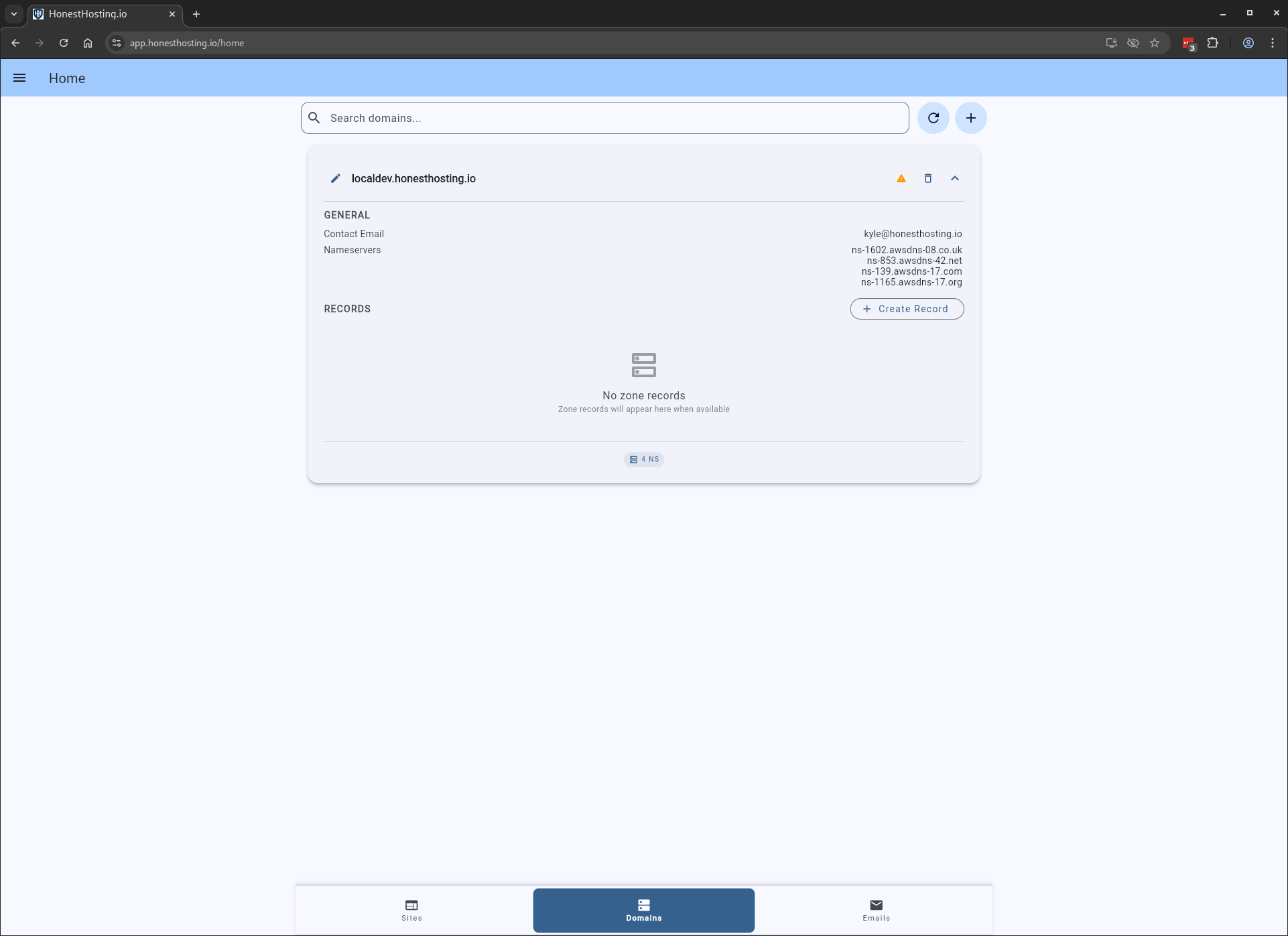
Nameserver Status
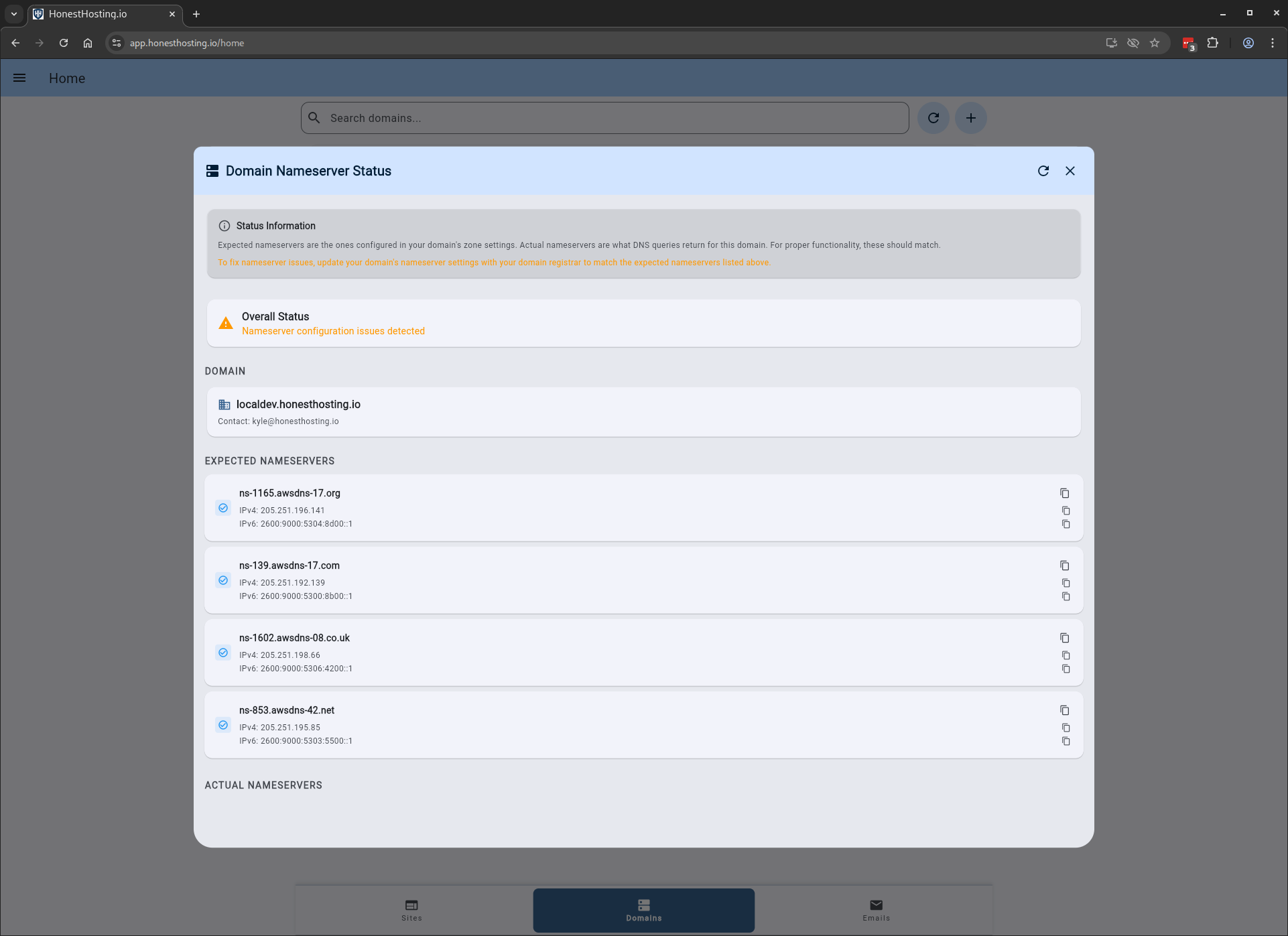
To view nameserver status in Public DNS, click on the icon to the left of the Trash icon, which will bring up
a dialog that allows you to review public DNS configuration.
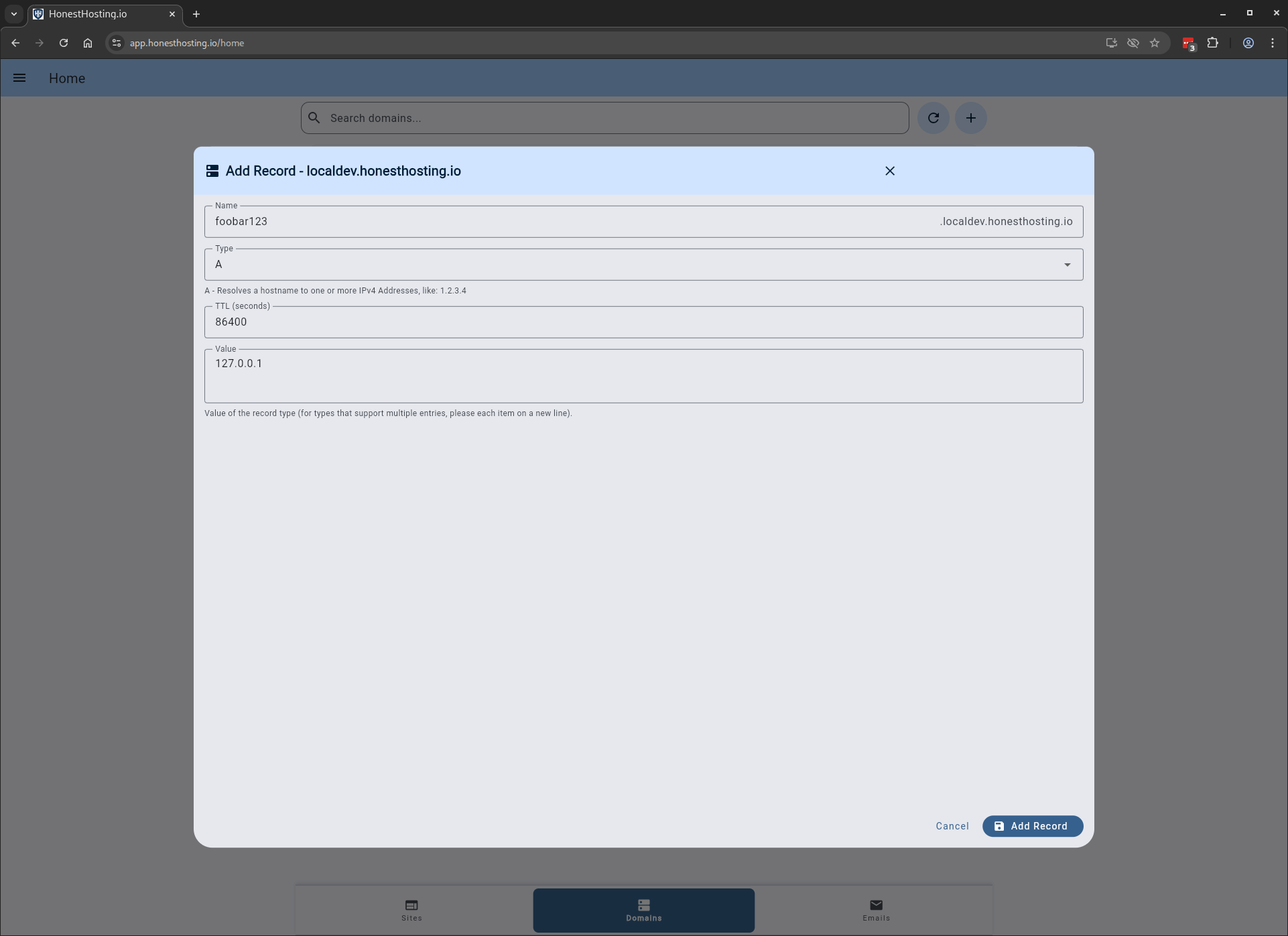
Manual Records
You can also add manual records by clicking Create Record and specifying the Name, Type, and other information.